
| TL;DR: When you get stuck on something in the TIP ToolTM, you always have options. The knowledge base for deep dives, FAQs for common questions, and support for everything else. But searching takes time, and waiting is not ideal when you are mid-task. So we added one more way to get help, and it is the quickest one we have built. A chatbot right on the Triangle IP website. Ask it anything about the platform and get an answer in seconds. This article shows you exactly how to use it. |
We saw a pattern in reviews of the TIP Tool™ on G2 and Capterra. Users liked what the tool could do. The features are powerful, the use case is clear, and the value is there. But one thing kept coming up: the learning curve is steep, and some users found it hard to get started.
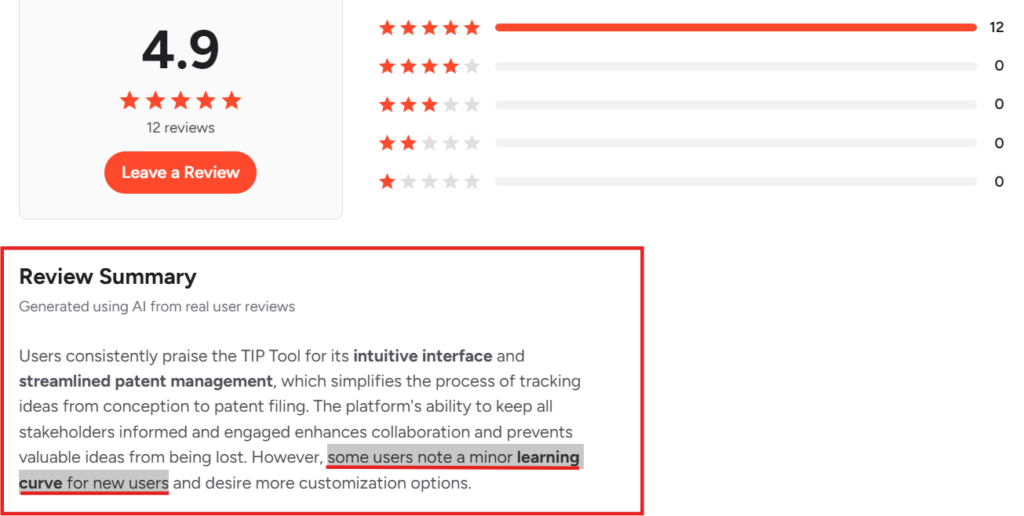
We heard this and got to work. We built a knowledge base covering every feature in detail. In addition to that, we added FAQs for the questions that come up most often. If you have any additional queries, feel free to get in touch with us through our contact page.
But the friction did not go away completely. We understand searching through articles takes time. Waiting on support could mean days. And neither is ideal when you are mid-task and just need a quick answer to keep going.
So we added one more option, and it is the fastest one yet. The TIP chatbot sits on the Triangle IP website, knows the platform inside out, and gets you an answer in seconds. No searching, no ticket, no wait. Just ask and get back to work.
Now Live: Get Instant Answers From TIP Chatbot
Think of the TIP chatbot as a teammate who reads every help article, memorizes every feature, and never goes offline. It is trained on the entire Triangle IP knowledge base. Whatever you are stuck on in the TIP Tool™, the chatbot already has the answer waiting.
It acts as a 24×7 partner that helps you master the platform. You do not need to pause your day to look up instructions or wait for an email response. The assistant gives you the exact information you need instantly.
Here’s how to use it:
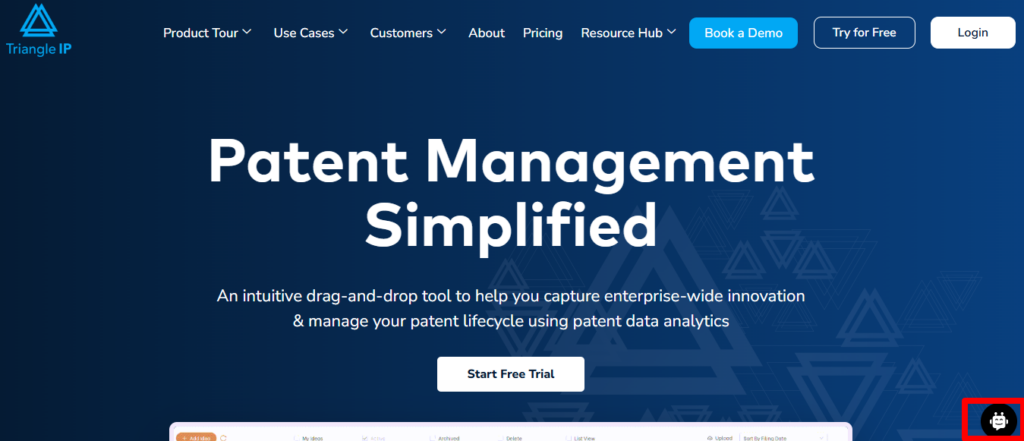
Step 1: Visit the Triangle IP website and click on the chatbot icon in the lower right corner.
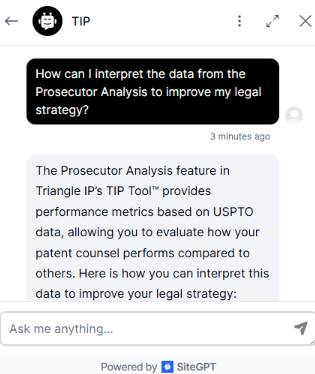
Step 2: In the chat window, submit your query. The Chatbot will give you the answer immediately.
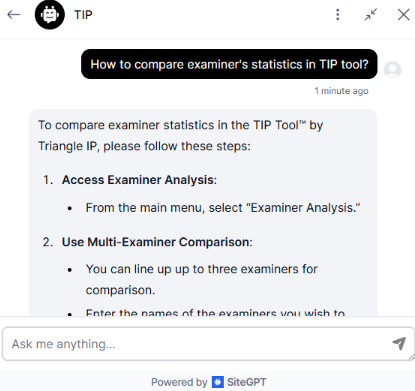
In addition to that, it’ll even suggest a follow-up query based on your initial question.
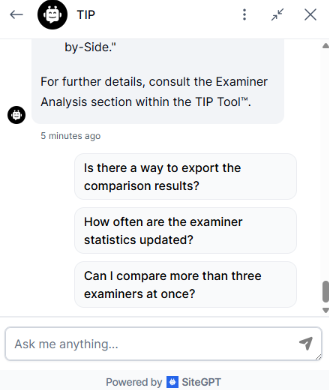
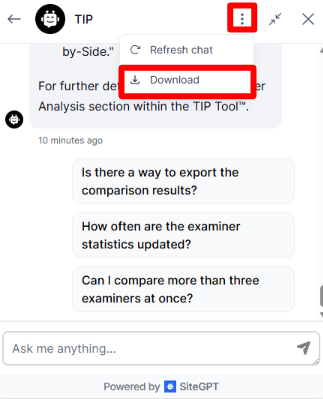
Step 3 (optional): If you want to download the entire chat, click on the three dots nd then select the download option. If you want to clear your current conversation and start over with a new topic, you can click on the same three dots and select the refresh chat option.
How Will It Impact the TIP Tool™ User Experience?
The TIP Tool™ chatbot removes the need to memorize every menu location or search through separate tabs for help.
The assistant simplifies your experience in several ways.
- You find features faster. You no longer need to click through multiple levels of the platform to find a specific setting. If you ask where to find the Art Unit Predictor, the bot tells you exactly where it is. This keeps your focus on the patent strategy instead of the interface.
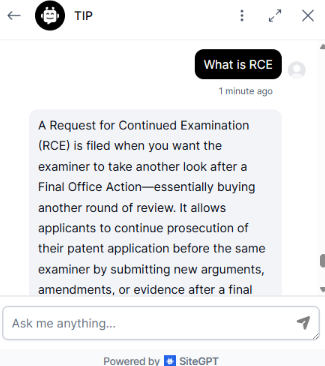
- Patent terms are jargon-heavy. Instead of searching for the definition in a blog post, you can ask the bot for a summary. You get a clear explanation of how the data is calculated without stopping your workflow. For example, you can search for the meaning of RCE or any other patent-related term in the chatbot.
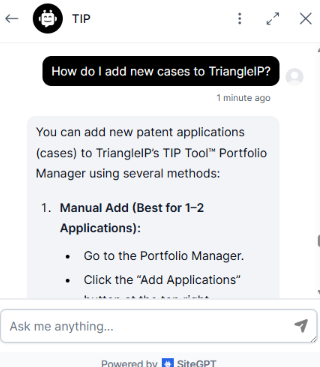
- You receive guided navigation. The bot acts as a digital guide for new or complex tasks. It can walk you through the steps of syncing your docketing system or setting up a new portfolio. This reduces the time it takes to onboard new team members or use features for the first time.
- You stay informed on new updates. We frequently add new capabilities to the TIP Tool™. The chatbot instantly got trained on any latest updates. If you want to know how the new Prosecutor Analysis works, the bot provides the most current information and links to the full update.
Summing It Up
Managing patent workflows should be efficient, not exhausting. We constantly introduce new features and upgrades to improve your experience.
To stay up to date with these changes, you can check our regular blog posts or subscribe to our YouTube channel, where we share video guides on our latest tool updates.
If you want to explore the platform or learn how the TIP Tool™ solves a specific challenge in your patent management, book a demo call today. Get a guided walkthrough tailored to your needs.