
| TL;DR – Every team has ideas. The challenge is keeping them organised long enough to act on them. When ideas scatter across chats and inboxes, even strong ones get lost. This guide compares 12 of the best idea organisation tools of 2026, spanning structured platforms, visual boards, and flexible workspaces. So you can find the one that actually fits how your team works. For teams where organised ideas need to go further, specifically toward a patent filing, the TIP Tool™ stands out as the one built to carry that structure all the way through. |
Ask most teams what happens to their best ideas, and you’ll hear some version of the same answer: they’re in there somewhere. Buried in a Slack thread, a spreadsheet tab nobody opens anymore, or a folder of half-finished notes from six months ago.
Spreadsheets, emails, and chat threads can’t support structured review or accountability. Ideas pile up faster than anyone can filter them, and the ones worth pursuing, especially the patent-worthy ones, get lost in the noise right alongside the ones that were never going anywhere.
Idea organization software fixes this by giving every idea a structured place to live, a way to tag and compare it against others, and a clear path to the ideas that actually deserve attention. Plenty of tools claim to solve this, but few actually provide the discipline to turn volume into real progress.
Benefits of Using Idea Organization Software in Innovation-Driven Enterprises
Samsung secured 6,377 U.S. patents in 2024, ranking first in the U.S. for the third consecutive year. Sustaining that level of innovation requires more than creativity. It depends on strong idea organization. Samsung uses internal systems like MOSAIC and C-Lab to capture large volumes of ideas, screen them with clear criteria, refine them, and identify the few that are worth developing.
Most teams lack such infrastructure. Idea organization software fills that gap by structuring, tagging, and prioritizing ideas. It is not the same as complete idea management or idea tracking; it is the layer that enables evaluation.
Here are the key benefits of relying on it:
1. Ideas Can Be Searched Easily
As idea volume increases, teams stop losing promising ideas simply because they were buried in spreadsheets, inboxes, or old documents. In idea organization software, every idea stays visible, reviewable, and easy to find when decisions need to be made.
2. Ideas Are Reviewed Consistently Instead of Randomly
Ideas are reviewed using the same categories and criteria every time, regardless of who submitted them, when they were submitted, or who reviewed them first. This creates consistency and fairness across teams and review cycles.
3. Decision-Making Becomes Clearer and Less Subjective:
Teams can compare ideas more confidently rather than relying on gut instinct, memory, or loud opinions. This reduces debate, second-guessing, and uncertainty when deciding which ideas deserve time, budget, or further development.
4. Teams Spend Less Time on Low-Value Ideas:
Incomplete, misaligned, or low-priority ideas can be filtered in idea organization software. This way, teams can focus their attention on ideas that actually support business goals, without permanently discarding early or exploratory concepts.
5. Cross-Functional Feedback Becomes Easier and More Productive:
Feedback and ideas are organized together, reducing misunderstandings, duplicated conversations, and lost context.
6. Reduce Mistakes:
By organizing and reviewing ideas early, teams reduce the risk of duplicating work or overlooking strong concepts buried in the pile. This leads to better use of time and resources across.
Together, these benefits show why idea organization software has become essential for teams that want a reliable, innovation-ready pipeline.
The next step is knowing what to look for in an ideal idea organization software.
Related Reading: Benefits of Idea Management Software
Key Features to Look for while Choosing an Idea Organization Software
At first glance, most idea organization software looks similar. But once you look closer, the differences become clear.
The right tool doesn’t just store ideas; it shapes how they stay findable, structured, and easy to compare at a glance.
Before diving into specific platforms, let’s look at the core features that actually matter.
- A Clear, Configurable Structure
A well-organized system supports defined categories and stages, so ideas have a consistent place to live as they move from raw notes to structured entries. - Flexible Tagging and Categorization
Strong platforms offer tagging and grouping by technology, product line, team, or priority, keeping large volumes of ideas structured and searchable. - Built-In Collaboration Tools
Collaboration features such as comments, mentions, file uploads, and shared editing allow contributors to refine ideas together within a single, organized workspace. - Insightful Dashboards and Filtering
Dashboard views and filtering capabilities show you exactly how ideas are organized and where each one sits. - Useful Integrations
Integrations with communication and documentation tools, along with smooth data export, ensure the organized idea pool connects seamlessly with existing systems. - Customization and Scalability
Custom fields, flexible permissions, and support for expanding teams or portfolios help the organizational system adapt.
For evaluation criteria like scoring, voting, ROI tracking, and security, see our full guide: 7 Key Factors to Evaluate Idea Management Software
Here are the 12 best idea organization tools worth evaluating, starting with how they stack up against each other.
A Quick Comparison of 12 Best Idea Organization Software in 2026
| Tool | Organization Style | Best For | Free Tier | Starting Price |
| TIP Tool™ | Structured stages, tagging, and scoring | Teams filing 25-50 patents a year | Free, up to 10 users | $50/month |
| Aha! Ideas | Portal-based, tied to product roadmap | Product teams turning feedback into features | Ideas portal included with Roadmaps | Starts at $39 user/month. |
| Ideanote | Funnels and kanban boards | Teams wanting fast, structured idea funnels | Free, up to 10 users | $6/user/month |
| Brightidea | Idea Box and configurable pipelines | Large enterprises running company-wide programs | Free trial only, no permanent free tier | $59.00 month |
| Canny | Tags, boards, and status categories | Product teams organizing high-volume customer feedback into structured idea categories | Free, 25 tracked users, 5 managers | $99/month |
| Miro | Infinite visual canvas | Teams brainstorming and mapping ideas together | Free, 3 boards | $8/member/month |
| FigJam | Collaborative whiteboard | Design and product teams running live workshops | Free | $3/user/month |
| MindMeister | Visual mind maps | Individuals and small teams mapping connected thoughts | Free, 3 maps | $3.50/user/month |
| Xmind | AI-assisted mind maps | Teams and individuals brainstorming visually | Free, 10 maps | $4.92/month |
| Milanote | Visual boards and moodboards | Creative professionals organizing projects visually | Free, 100 cards | $9.99/user/month (annual) |
| Notion | Pages and custom databases | Teams wanting one flexible workspace for everything | Free | $10/user/month |
| Trello | Boards and cards | Individuals and small teams doing simple visual tracking | Free | $5/user/month |
A comparison table is a useful starting point, but it does not capture the strengths, limitations, and ideal use cases of each idea organization tool.
To make the evaluation easier, we have categorized all 12 tools into 3 Categories.
Best Idea Organization Software Options You Actually Need to Know About
You can choose the right idea organization software is easier when you understand what each one is designed to do.
Some tools help teams generate and visually map early ideas. While other tools help you to organize ideas into structures like mind maps or databases and track ideas as they evolve.
And a few platforms, such as The TIP Tool™, bring real clarity and IP readiness to high-volume innovation pipelines.
Here’s how we’ve categorized the idea organization software in this guide that we will unpack one by one:
Category 1: Idea Organization Tools For Structured Innovation & IP Pipeline Platforms
Purpose-built for managing structured innovation workflows with evaluation, collaboration, and in some cases, IP readiness and patent lifecycle support.
- TIP Tool™
- Aha! Ideas
- Ideanote
- Brightidea
- Canny
Category 2: Visual Brainstorming & Ideation Tools
Designed for early-stage idea generation through visual thinking, whiteboarding, and collaborative brainstorming.
- Miro
- FigJam
- MindMeister
- Xmind
- Milanote
Category 3: Knowledge & Collaboration Workspaces
Flexible, general-purpose workspaces for organizing information, documenting ideas, and collaborating on projects without structured innovation governance.
- Notion
- Trello
While researching these tools, we also came across a couple of noteworthy runner-ups: IdeaScale and HYPE Innovation for idea management. If you want to understand their idea management capabilities, you can check out our 25 Best Idea Management Software article.
Now, let’s zoom in on the tools in the first category.
Idea Organization Tools For Structured Innovation & IP Pipeline Platforms
The tools in this category are especially useful in research-driven, IP-heavy, or high-stakes environments. They help teams compare ideas, document decisions, and stay on top of patent or commercialization timelines.
1. TIP Tool™ – Best Idea Organization Software For Managing Patentable Ideas And Innovation Management.
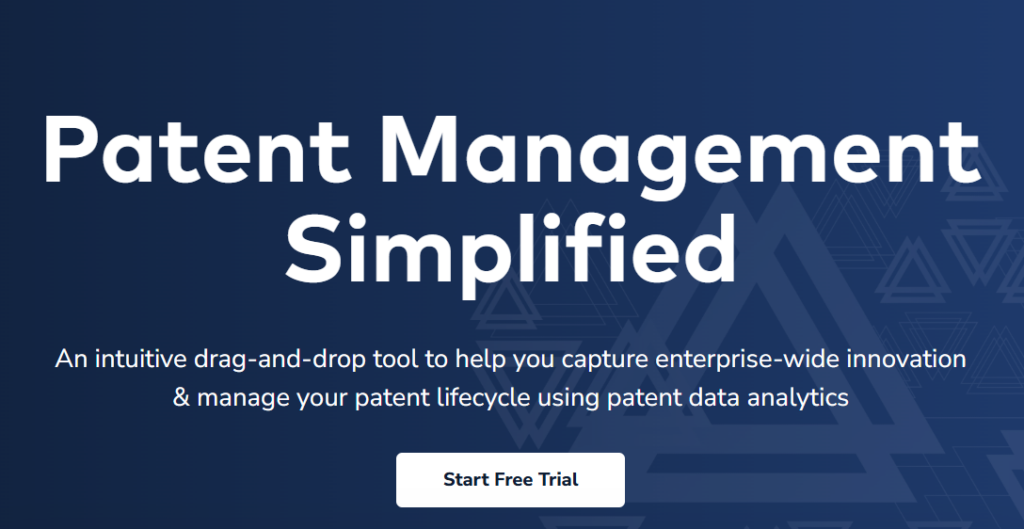
The TIP Tool™ by Triangle IP brings structure to chaos. Instead of letting ideas get lost in inboxes, documents, or hallway conversations, it gives teams a single, clean space to capture, organize, and track every idea.
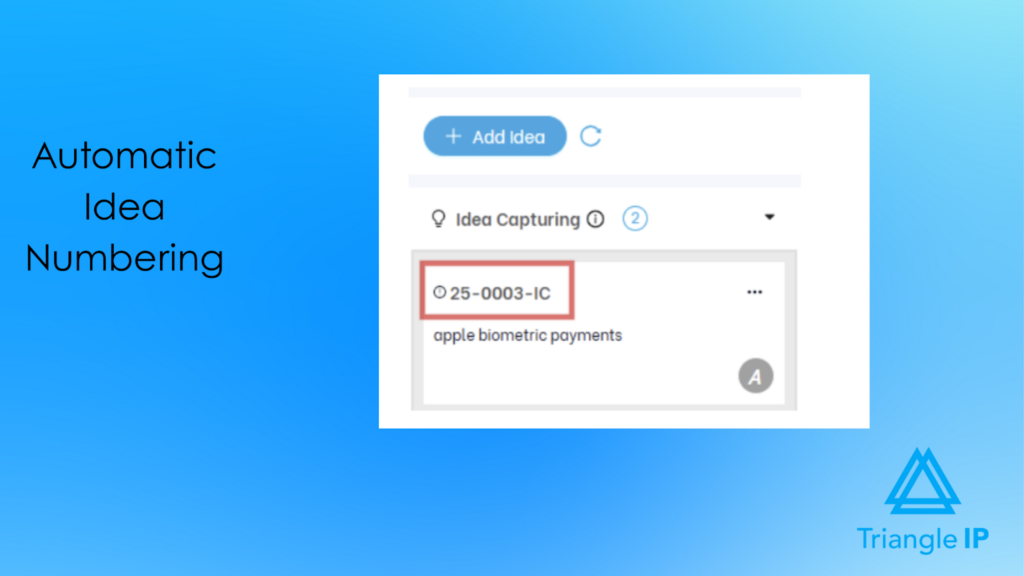
Each idea gets a consistent format, a clear tag structure, and automatic numbering. That way, ideas are organized, and nothing slips through the cracks as volume grows.
TIP Tool™ Standout Features For Idea Organization:
- Consistent, automatic idea numbering: The system automatically numbers every submission, removing manual formatting work and making large volumes of ideas easy to reference and track over time.
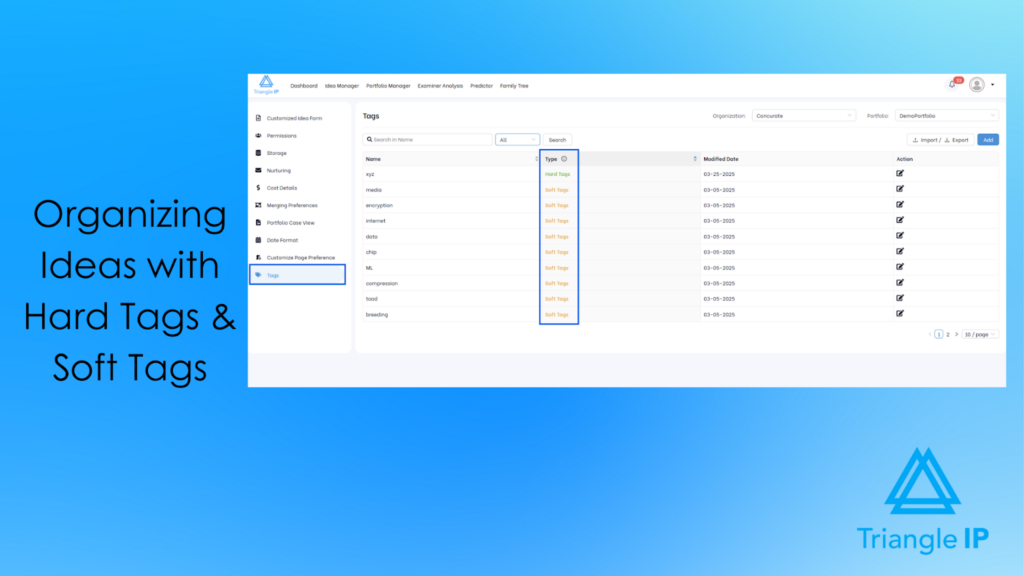
- Two-tier tagging system: Admin-controlled hard tags keep everyone using the same core categories, while flexible soft tags let teams add context as needed, keeping organization consistent without sacrificing flexibility.
- Bulk import for legacy ideas: Teams can import up to 10,000 existing ideas at once. This way, your team can save time and effort required to enter the ideas manually from old tools.
- Draft mode before publishing: You can save and refine ideas privately before publishing them for wider visibility, keeping half-formed entries out of the organized idea system.
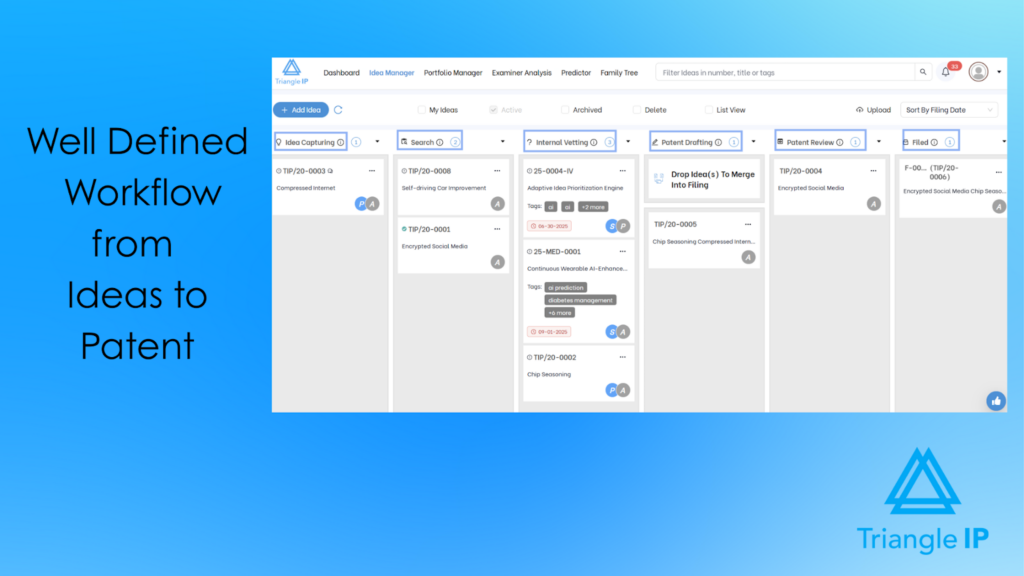
- Defined workflow stages: Every idea moves through clear, visible stages in Idea Manager, so you can retrieve the organized ideas based on the status.
- Role-based visibility: Contributors see only what’s relevant to their role, keeping a large, shared idea pool organized and uncluttered for everyone working in it.
Best For
The TIP Tool™ Idea Manager is built for any innovation-driven team, from early-stage startups to large enterprises.
It is especially valuable for enterprises, individual inventors, and patent practitioners who need a structured, reliable workflow for idea organization that eventually leads to patent filing.
Pros
- Easy, intuitive drag-and-drop interface.
- Two-tier tagging keeps large idea volumes organized without rigidity.
- Strong collaboration features keep context attached to each idea as it develops.
- Flexible workflows, adaptable to how a team already organizes its work.
- Quick onboarding, even for non-technical users.
Cons
- Initial learning curve for new users. To make the onboarding easier, the TIP Tool™ provides a dedicated helpdesk library with step-by-step guide videos and articles.
Pricing
The TIP Tool™ offers three pricing options to fit every innovation team, from startups to large enterprises:
- Free Plan: This plan is free forever and perfect for getting started. It includes up to 10 users, 5 GB of storage, and a single portfolio.
- Premium Plan: Priced at $50 per month. It is designed for growing teams with up to 100 users, 20 GB of storage, and three portfolios.
- Custom Plan: This one is built for large organizations with specific needs. It allows flexible limits on users, storage, and portfolios.
You can start free and scale as your innovation grows. Contact the team to create your plan.
For complete details, visit our pricing page.
Customer Reviews/Ratings
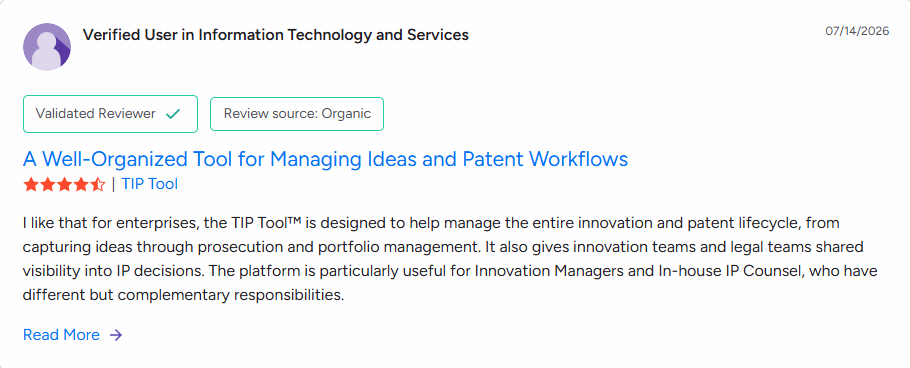
The TIP Tool™ is loved by users, earning an impressive 5 rating on G2.
Source: G2
Demo and Free Trial Availability
Users can request an interactive demo of the TIP Tool™ and explore its features firsthand. The demo playground comes with pre-filled data, allowing you to easily navigate and experience how the tool works in action.
You can also sign up for a free trial.
If you’re wondering whether your ideas are patent-worthy, use our idea evaluation matrix to find out.
2. Aha! Ideas – Idea Organization Software For Product Feedback And Roadmap Prioritization.
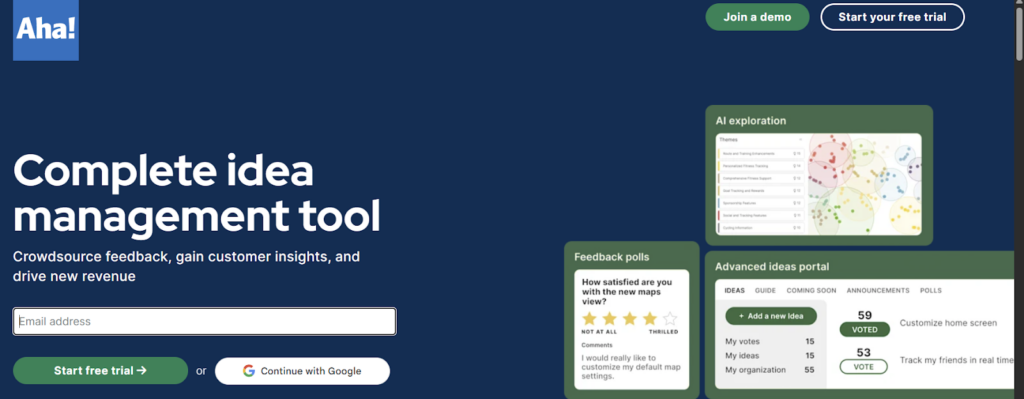
Aha! Ideas helps product teams capture, evaluate, and prioritize feedback. It centralizes input from customers, partners, employees, and internal teams. The platform includes scoring, categorization, and AI-assisted analysis for organizing ideas.
Source: Aha! Homepage
Aha! Ideas Standout Features For Idea Organization:
- AI-assisted analysis: Identify related ideas and reduce duplicate submissions. This way, your idea organization system won’t have duplicate ideas and all the relevant ideas are organized together.
- Business impact: You can organize ideas using revenue and strategic alignment criteria.
- Workflow integrations: Connect with Slack, Microsoft Teams, Jira, ServiceNow, Salesforce, Zendesk, SAML/SSO providers, and CRM systems.
Best For
- Product managers handling high volumes of ideas
- SaaS and enterprise software teams gathering customer requests
Pros
- Highly flexible and customizable, adaptable to complex enterprise workflows.
- Powerful for organizing ideas, strategy, and roadmaps in one place.
- Excellent customer support with fast responses and strong documentation.
- Robust reporting and presentation tools are useful for executives and stakeholders.
- Great templates, training, and onboarding resources via Aha! Academy.
Cons
- Steep learning curve due to extensive features and configuration options.
- Navigation can feel overwhelming until users adapt to the structure.
- Some integrations require a detailed, time-consuming setup.
- Reporting limitations in areas like sorting, pivot tables, or percentages.
- It can feel complex for smaller teams or simple use cases.
- Certification and training costs can be high.
Pricing
They have 2 paid annual subscription plans:
- Essentials – $39 /user /month
- Advanced – $59/ user/ month
Note: For a monthly subscription, the pricing is $49/user/month for Essentials and $74/user/month.
Customer Reviews/Ratings
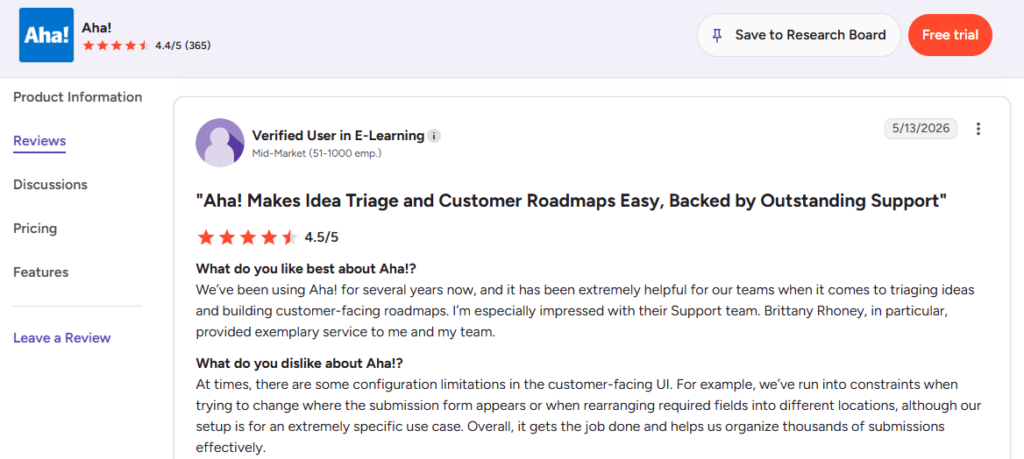
It has a rating of 4.4 / 5 on G2.
Source: G2
Demo and Free Trial Availability
You can schedule a live demo and also start a 30-day free trial.
3. Ideanote – Ideal For Collecting, Evaluating, And Developing Ideas From Employees or Customers.
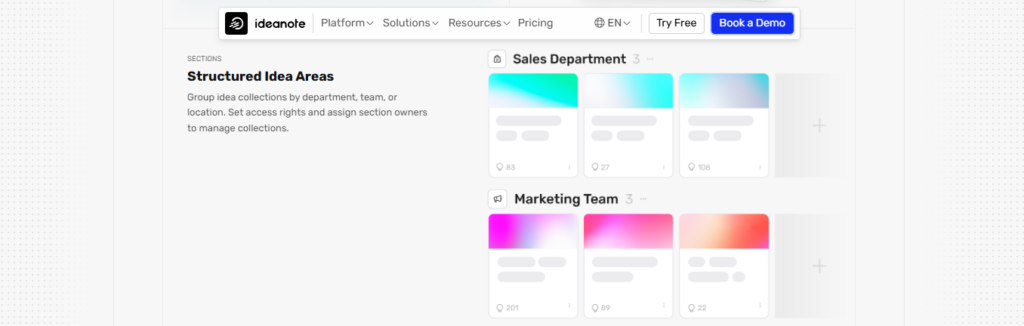
As a modern idea organization platform, Ideanote enables teams to quickly capture ideas into organized collections. Ideas move through a clear workflow, and you can act on the best ones with confidence.
It gives businesses a single home for ideas by combining intuitive collection tools, flexible funnels, and collaborative evaluation features.
A simple interface makes it easy for the entire organization to participate.
Source: Ideanote Homepage
Ideanote Standout Features For Idea Organization:
- Centralized Workspace to Organize Ideas: A centralized workspace helps teams organize meaningful ideas from anyone in seconds in a single workspace.
- Keeps Everyone Aligned and Informed: Visual progress tracking and automated updates keep everyone aligned and informed so teams never lose an idea and always know what happens next
- Scales Easily With Business Needs: Advanced analytics, reporting tools, enterprise compliance (SOC2, GDPR, CCPA), and integrations with Slack, Microsoft Teams, and more support growing innovation programs.
Best For
- Organizations running continuous improvement programs.
- Teams collecting employee suggestions at scale.
- Businesses seeking a lightweight innovation management platform.
Pros
- Clean, intuitive interface.
- Strong at collecting and structuring ideas.
- Flexible templates and customizable workflows.
- Good collaboration tools (comments, voting, sharing).
- Helpful AI for idea generation and de-duplication.
- Easy to set up and adopt. Responsive customer support.
Cons
- Can feel complex initially.
- Reporting and analytics could be stronger.
- Limited project-tracking capabilities.
- Some integrations are missing.
- Workspace-based pricing can add up.
- The login requirement may reduce participation.
Pricing
Ideanote offers three plans:
- Free: For up to 10 users.
- Scale: From $6 per user per month.
- Ultimate: From $899 per month for 100 users.
Customer Reviews/Ratings
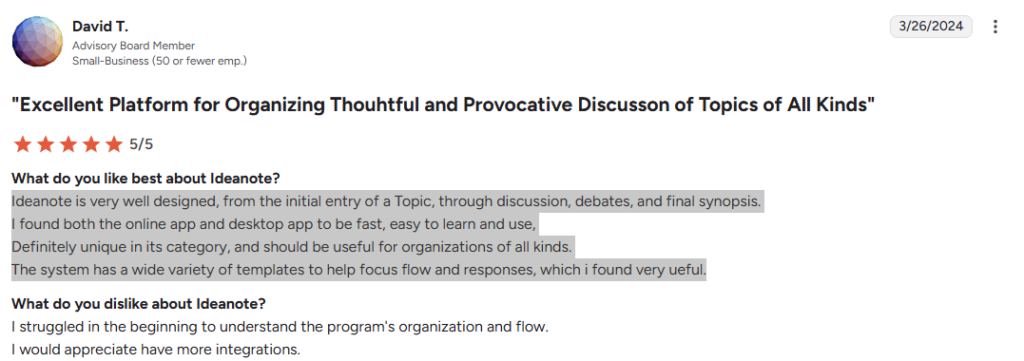
Users gave a rating of 4.7/ 5 on G2 for Ideanote.
Source: G2
Demo and Free Trial Availability
Ideanote offers a free trial for the Free and Scale plans. Organizations interested in advanced features can book a live demo, which is also included with the Ultimate plan.
4. Brightidea – Designed For Structured Ideation and Evaluation Workflows.
Brightidea’s Idea Box centralizes submissions and routes them into a clear review pipeline. This way, teams can evaluate, prioritize, and link related ideas while tracking progress.
Moreover, you can view business impact through customizable workflows, dashboards, and reports.

Source: Brightidea Homepage
BrightIdea Standout Features For Idea Organization:
- Centralized space for idea organization: Idea Box and mobile access keep all submissions organized in one place.
- Priority routing: Submissions can be organized into strategic, backlog, or quick-action streams.
- Visual evaluation: Drag-and-drop pipelines simplify review and prioritization.
Best For
- Enterprise innovation programs.
- Continuous improvement initiatives.
- Teams running innovation challenges or hackathons.
Pros
- Administrators can configure the platform without extensive technical effort.
- The workflows and templates are highly customizable for different innovation programs.
- Automation features help reduce manual work during idea evaluation and routing.
- Idea-linking and business impact tracking provide useful context for decision-making.
- Customer support is consistently rated as responsive and helpful.
- The platform works well for innovation challenges, hackathons, and ongoing idea initiatives.
- Integration options make it easier to connect Brightidea with existing business systems.
Cons
- Occasional users may need time to become comfortable with the platform.
- Some users feel that the interface looks dated compared with newer tools.
- Advanced reporting features are less flexible than some enterprise analytics platforms.
- The mobile experience receives mixed feedback from users.
- Complex multi-step workflows can require additional training.
- Licensing costs may increase significantly as the program scales.
- Role and access management could be simpler for large organizations.
Pricing
Brightidea does not publicly disclose enterprise pricing.
Third-party software marketplaces list plans starting around $59 per month. However, pricing varies by users, features, and add-on modules
Customer Reviews/Ratings
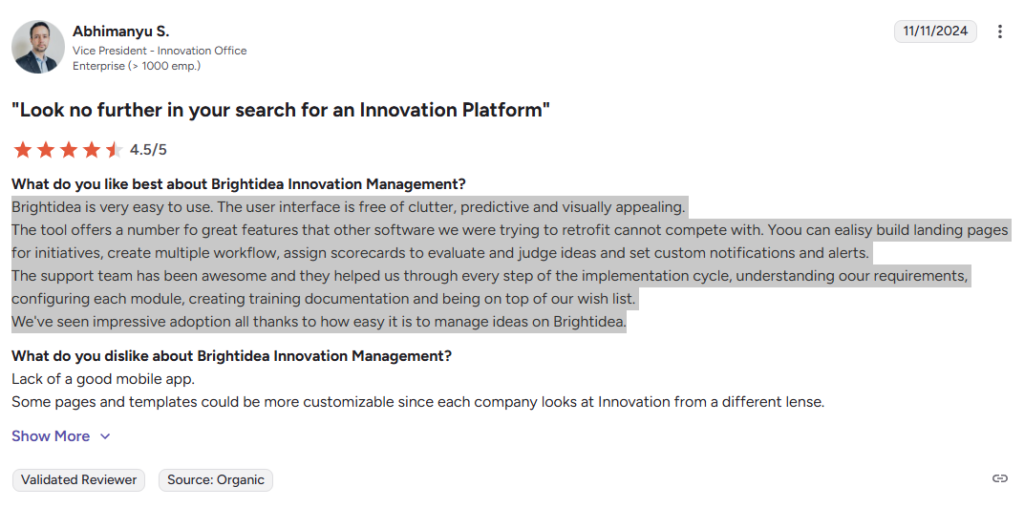
Users have given a rating of 4.3/5 on G2.
Source: G2
Demo and Free Trial Availability
You can request a live demo through the Brightidea website. Free trials are available for selected products, including Idea Box and Whiteboard.
5. Canny – Best for Organizing Customer Feedback Into Structured, Trackable Idea Categories.
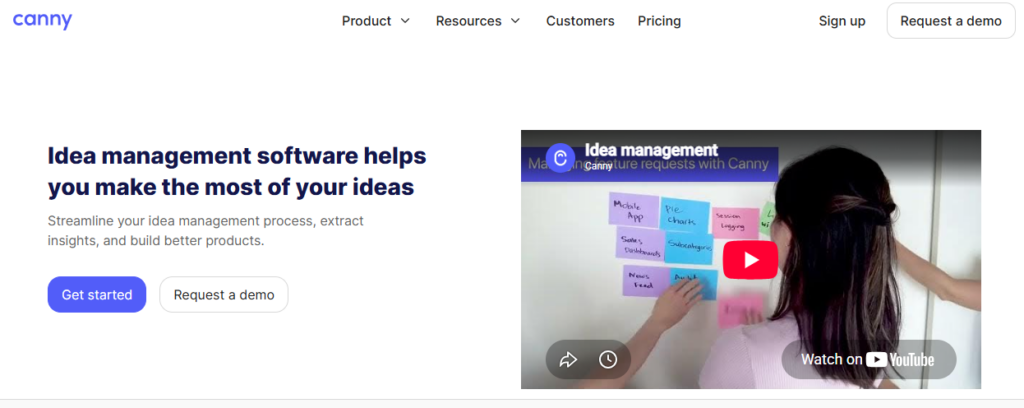
Canny organizes ideas that come from outside the company, customers, and users, turning scattered feedback into a structured, tagged, and filterable system rather than a flat list of requests.
Source: Canny Homepage
Canny Standout Features For Idea Organization:
- Custom tags: Every idea can be tagged by feature area, team, or theme, letting a large volume of feedback stay sorted and searchable as it grows.
- Multiple boards: Feedback can be split across separate boards by product line or team, so ideas stay organized within the right context instead of mixing into one undifferentiated list.
- Status categories: Ideas move through labeled stages (Under Review, Planned, In Progress, Complete), giving every idea a clear organizational home at any point in time.
- Automatic duplicate merging: Similar ideas get identified and merged automatically, keeping the organized list clean instead of splintering into near-identical entries.
- User segments: Feedback can be grouped and filtered by who submitted it (plan tier, company size, account value), letting a team organize ideas by source, not just topic.
Best For
- Product teams organizing a high volume of customer feedback into a structured, searchable system.
- Companies that need feedback sorted by product area or customer segment, not just by date submitted.
Pros
- Tagging and board structure stay clean even at high volume.
- Automatic duplicate merging keeps the organized list from fragmenting.
- Status categories give every idea a clear, visible organizational stage.
Cons
- Built around external, customer-feedback-based ideation and not internal employee ideation.
- Deeper organizational structure (segments, custom fields) is gated behind paid tiers.
- Less suited to organizing early-stage, unstructured brainstorming compared to visual tools.
Pricing
Free: 25 tracked users, 5 managers
- Pro: $948/year (or $99/month) for 100 tracked users and 10 managers.
- Business: custom pricing for 5,000+ tracked users, with added segment and CRM features.
Customer Reviews/Ratings
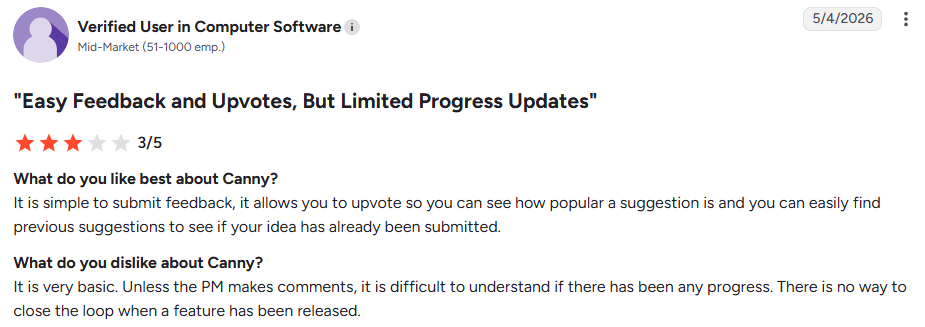
Rated 4.6/5 on G2.
Source: G2
Demo and Free Trial Availability
Free plan available indefinitely; a demo can be requested, and Pro/Business plans include a trial period.
Visual Brainstorming & Ideation Tools
The tools in this category are ideal for design teams, product teams, agencies, and workshop facilitators that rely on visual thinking.
These tools work well for brainstorming sessions, sticky-note exercises, affinity mapping, and collaborative workshops. They are especially useful when teams need to explore ideas quickly before moving into structured evaluation and planning.
6. Miro – Ideal for Teams That Need Visual Collaboration And Whiteboard-based Brainstorming.
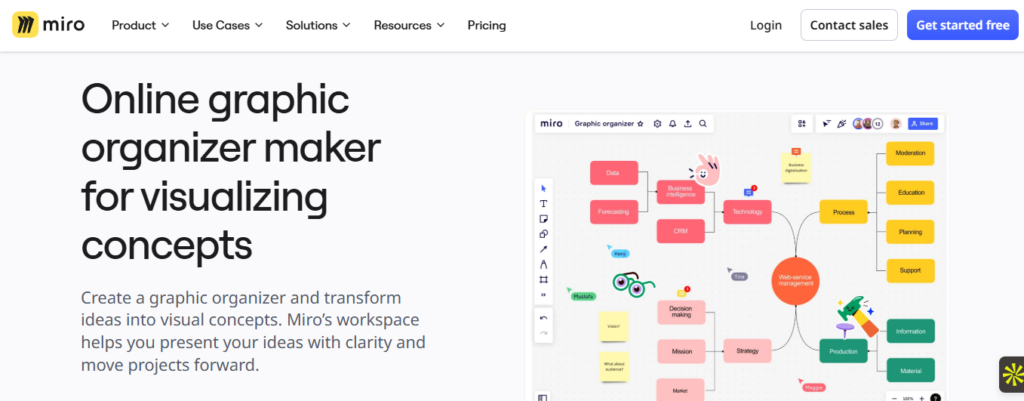
Miro is a visual idea organization software built for teams that brainstorm, collaborate, and structure ideas in one shared workspace.
Its infinite canvas, real-time co-creation, and AI-powered clustering make it easy to capture scattered ideas, organize them meaningfully, and turn them into clear next steps.
Whether teams are remote or hybrid, Miro centralizes brainstorming, planning, and early concept development. This ensures ideas never get lost across files, chats, and sticky notes.
Source: Miro Homepage
Miro’s Standout Features For Idea Organization:
- Organize Ideas in One Place: Upload images from sticky notes, sketches, diagrams, images, and embedded files on a single canvas, with easy imports from Google Drive, Figma, Dropbox, and spreadsheets.
- Organizes Ideas With AI: Use AI to cluster sticky notes, summarize discussions, and surface patterns to speed up synthesis.
- Offers Room to Explore & Refine: Use mind maps, flowcharts, visual templates, and smart alignment tools to expand and structure ideas clearly.
- Keeps Context and Progress Connected: Tag, search, track versions, and link resources to maintain a single source of truth throughout the ideation process.
- Moves Ideas Into Action: Push organized idea clusters into plans, assign next steps, and connect with Jira, Asana, and Confluence to carry ideas into execution.
Best For
- Product and design teams running collaborative workshops.
- Remote and hybrid teams brainstorming ideas.
- Facilitators looking for organized ideas to conduct strategy and planning sessions.
Pros
- The interface is intuitive and easy to use for visual collaboration.
- Real-time editing works smoothly for distributed and hybrid teams.
- The template library helps teams prepare workshops more quickly.
- AI tools make it easier to organize large brainstorming sessions.
- Integrations fit well into existing product and project workflows.
- Facilitation features support structured meetings and collaborative workshops.
- Guest access makes cross-functional collaboration easier.
Cons
- It can feel overwhelming or cluttered because of the many features and templates.
- Large boards may lag or feel heavy, especially with many collaborators.
- Some integrations and embeds can be buggy or require extra setup.
- The free plan is limited, so serious teams often need paid tiers.
- Requires good internet and logins, which can be a barrier for some contributors.
- A few users find it hard to discover or fully use advanced features without extra guidance.
Pricing
Miro offers four plans:
- Free (3 editable boards)
- Starter ($8/member/month)
- Business ($16/member/month)
- Enterprise (custom pricing)
Customer Reviews/Ratings
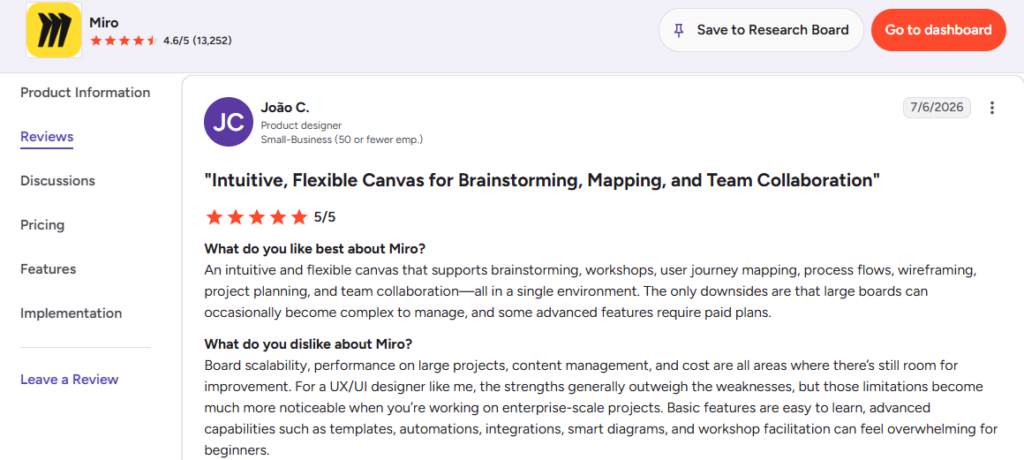
It has a rating of 4.6 /5 on G2.
Source: G2
Demo and Free Trial Availability
It offers a free plan to try the platform and the option to book a demo for a guided tour of its features.
7. FigJam – Great for Organizing Ideas From Fast Brainstorming Sessions Between Design, Product, And Engineering teams.
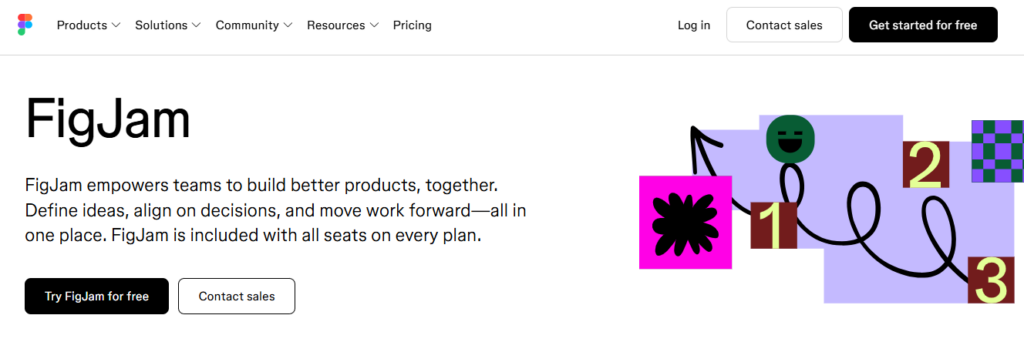
FigJam is Figma’s collaborative whiteboard, used by design, product, and engineering teams to capture and organize ideas visually before they move into structured evaluation.
Source: FigJam
FigJam’s Standout Features For Idea Organization:
- Clustering and grouping: Sticky notes can be dragged into color-coded clusters, so as a session fills up, related ideas group together instead of scattering across the board.
- Ready-to-use templates: Retrospective, journey map, and roadmap templates give incoming ideas a prebuilt structure to land in, rather than a blank canvas that gets messy as it fills up.
- Sections and frames: Boards can be divided into labeled sections, so ideas stay organized by theme, team, or stage even as the number of contributions grows.
- Direct task conversion: Once an idea is organized and prioritized, it converts into an Asana, Jira, or GitHub task, so the organized output actually leaves the board instead of sitting there indefinitely.
Best For
- FigJam is best for teams that want a simple and fast way to brainstorm and organize early-stage ideas.
- It works especially well for product, design, and cross-functional teams that collaborate visually, run workshops, or need lightweight idea-organization software to capture and refine concepts in real time.
Pros
- Very easy and intuitive to use.
- Deep, seamless integration with Figma.
- Strong real-time collaboration (comments, voting, stickers, audio chat).
- Great for brainstorming, user flows, workshops, and early ideation.Lightweight, fast, and quick to adopt across teams.
Cons
- The template library is limited compared to Miro.
- Can lag on large or busy boards.
- Some features feel basic or missing for advanced use.
- Guest access can be costly.
- Pricing has grown more complex since a 2024-2025 restructuring.
Pricing
FigJam is no longer sold as a fully separate product with its own simple price. As of Figma’s 2025 pricing overhaul, access to FigJam is bundled into Figma’s broader seat-based system.
- A free Starter plan includes up to 3 FigJam files.
- If you only need FigJam and Slides, a Collab seat costs $3/user/month, billed annually ($5 monthly).
- Full design-tool access (Professional) starts at $12-16/user/month
- $55-90/user/month for Organization and Enterprise tiers.
Customer Reviews/Ratings
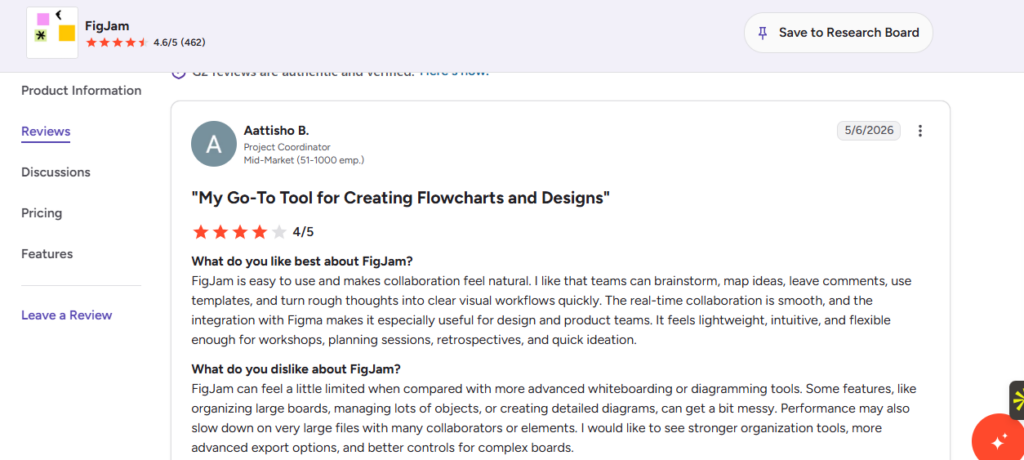
Users rated it 4.6 / 5 on G2.
Source: G2
Demo and Free Trial Availability
It offers a free trial, and you can also see FigJam in action.
8. MindMeister – Well Suited For Mind Mapping, Planning, And Organizing Complex Concepts.
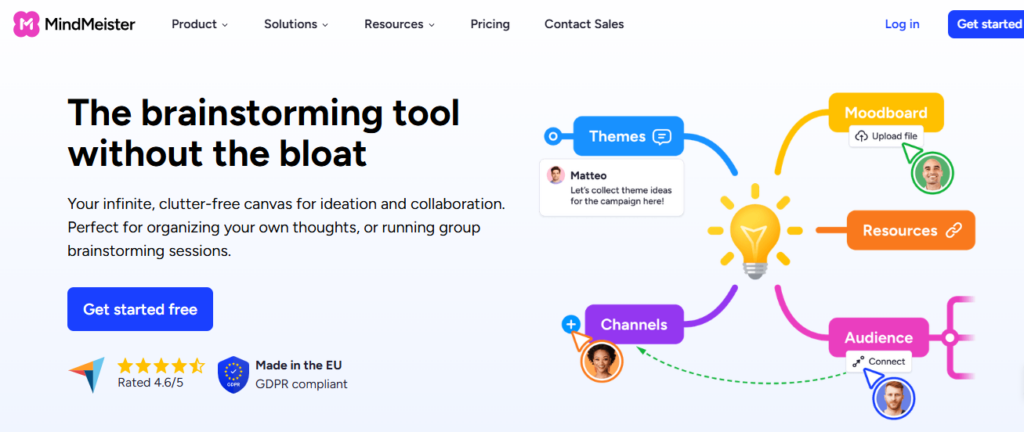
MindMeister is a dedicated mind-mapping platform used for brainstorming, project planning, and visually organizing complex ideas.
Source: MeindMeister
MindMeister Standout Features For Idea Organization:
- Infinite canvas mapping: Organize ideas and thoughts through drag-and-drop nodes, links, and idea notes.
- Real-time collaboration: Teams can co-edit maps and discuss ideas through comments.
- Presentation mode: Mind maps convert directly into a presentable walkthrough, no separate slides needed.
- MeisterTask integration: Map nodes can convert directly into trackable tasks.
Best For
- Students, educators, and small teams organizing ideas visually.
- Professionals who prefer visual mapping over lists or documents.
Pros
- Intuitive and easy to use.
- Strong visual mapping tools and templates.
- Smooth real-time collaboration.
Cons
- The free plan is limited to 3 maps.
- Large, complex maps can lag.
- Exporting sometimes loses formatting
Pricing:
- Free plan is available with 3 maps to organize your ideas and thoughts,
- Paid plans start around $3.50/user/month for Personal, scaling up to roughly $5.50/user/month for the Professional tier and $8.50/user/month for the Business tier.
Customer Reviews/Ratings
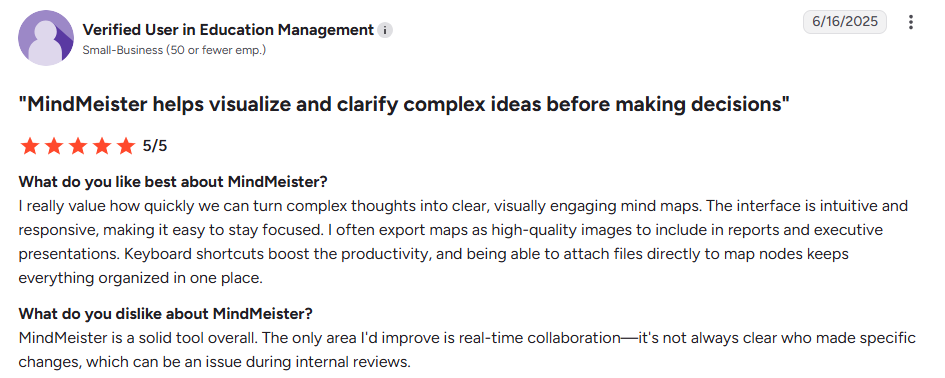
It has a 4.2 /5.0 rating on G2.
Source: G2
Demo and Free Trial Availability
A free trial and a permanent free plan are both available.
9. Xmind – Works Well for Strategy Planning And Detailed Idea Structures.
Xmind is a mind-mapping and idea brainstorming platform with roots dating back nearly two decades and more than 100 million users worldwide.
Source: Xmind
Xmind Standout Features For Idea Organization:
- AI-assisted mapping: AI can suggest related concepts and expand branches to keep your ideas contextual, structured, and organized.
- Flexible layouts: Automatic structure generation turns rough ideas into organized visual frameworks.
- Export options: Export ideas cleanly to PDF, PNG, and PowerPoint.
Best For
- Individuals and teams doing strategic planning or detailed idea breakdowns.
- Users who want AI assistance built into the idea mapping and organizing process.
Pros
- Clean, intuitive interface.
- Strong AI features for mapping and task breakdown.
- Large, active user base with frequent updates.
Cons
- Free plan is limited compared to paid tiers.
- Fewer third-party integrations than some competitors.
- Some advanced features are not easy to discover.
Pricing:
Pro (Individual) is $4.92/month. Premium (Individual) is $8.25/month, adding AI credits and real-time collaboration.
Customer Reviews/Ratings:
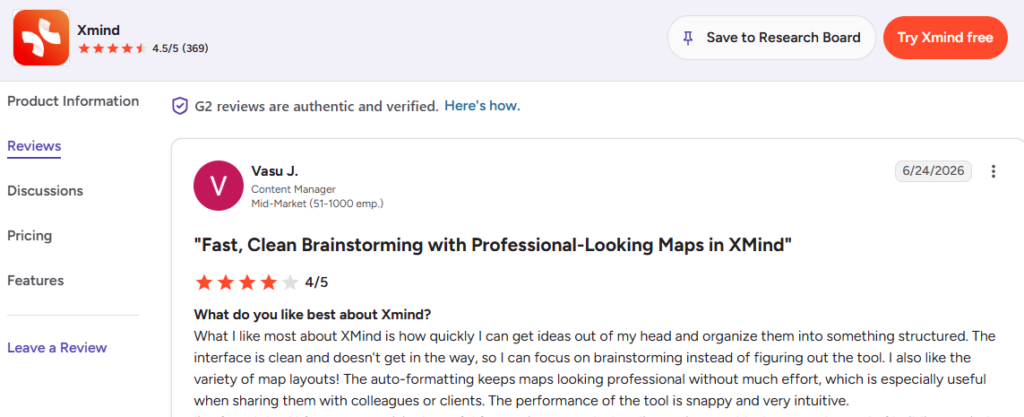
Users have given a rating of 4.5 / 5.0 on G2
Source: G2
Demo and Free Trial Availability:
A Free plan is available with limited maps (10 maps) to start organizing ideas
10. Milanote – Useful for Organizing Visual Inspiration, Research, And Creative Ideas.
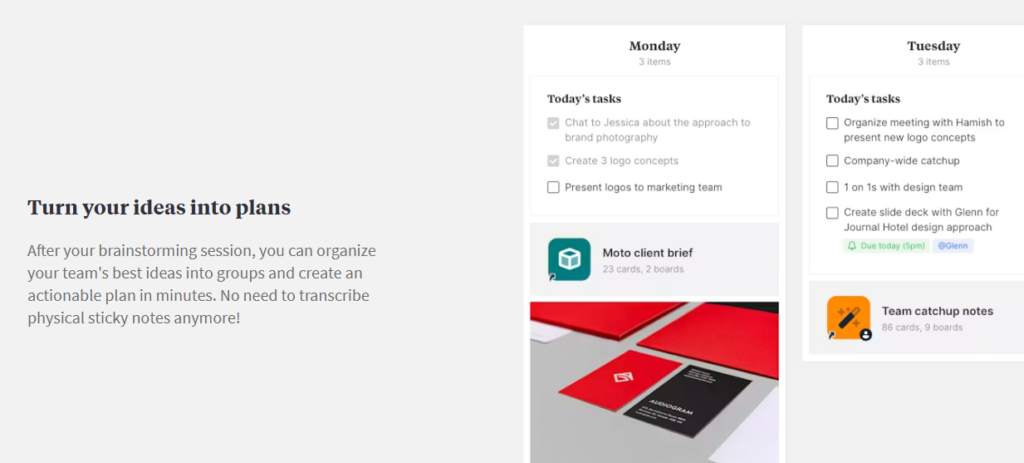
Milanote is a visual workspace built specifically around organizing creative ideas and projects. Their own tagline is organizing ideas and projects into visual boards.
Source: Milanote
Milanote Standout Features For Idea Organization:
- Nested boards: Boards can contain other boards, so a single high-level idea can hold its own sub-organized structure underneath it, instead of everything living flat on one canvas.
- Drag-and-drop card grouping: Notes, images, and links can be freely rearranged into clusters, letting structure emerge as research or inspiration accumulates.
- Mixed-format cards: Text notes, images, links, and files sit side by side on the same board, so an idea and its supporting reference material stay physically organized together, not split across separate tools.
- Web Clipper: Saves links, images, and videos directly into an existing board from the browser, so external inspiration lands already sorted into the right place.
- Reusable templates: Custom templates let a team apply the same organizational structure across multiple new projects, instead of rebuilding it each time.
Best For
- Creative professionals organizing research, moodboards, and inspiration.
- Small teams and freelancers structuring early-stage creative projects.
Pros
- Highly intuitive, visual, drag-and-drop interface.
- Strong for keeping mixed media (notes, images, files) organized together.
- Clean, uncluttered design that doesn’t feel rigid.
Cons
- Free plan storage is limited, restrictive for heavy, ongoing use.
- No edit history tracking.
- Limited integrations outside a small set of connected tools.
Pricing
Individual paid plan is $9.99/user/month, billed annually ($12.50 billed monthly). Team plan is $49/month, covering up to 10 people, with tiers scaling to larger teams.
Customer Reviews/Ratings
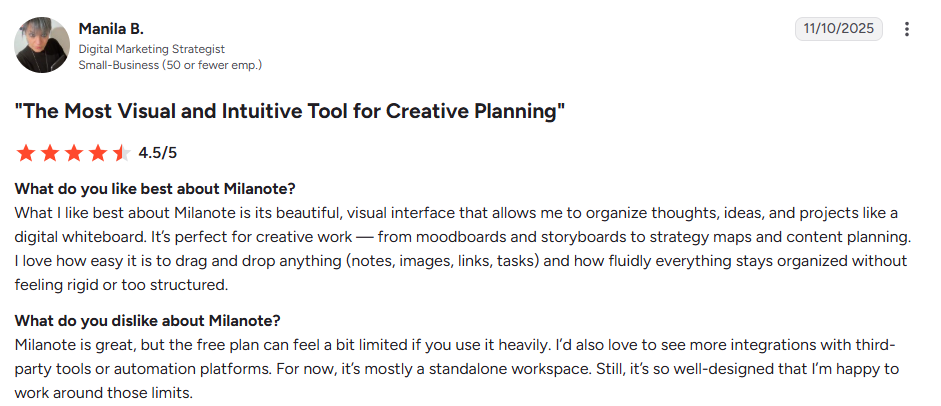
Milanote has a 4.2 / 5.0 rating on G2
Source: G2
Demo and Free Trial Availability
Free plan available, with up to 100 cards and 10 file uploads
Knowledge & Collaboration Workspaces For Idea Organization
Some teams don’t need a dedicated idea tool. They need one flexible space for ideas, notes, and project work together. Tools like Notion and Coda fit this well, letting ideas live right alongside related context instead of a separate system.
The tradeoff: you build the organization yourself, so it takes setup, and without discipline it can get messy again.
11. Notion – Suitable For Collaborative Knowledge Management, Documentation, And Team Coordination.
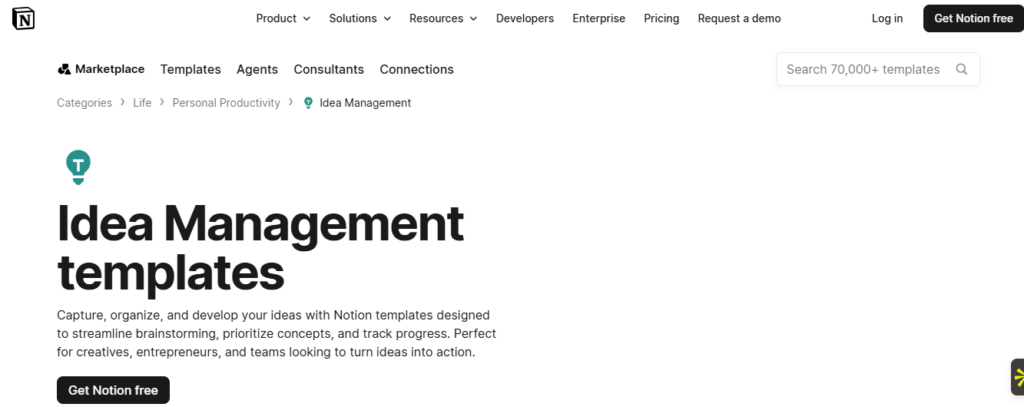
Notion is an all-in-one workspace combining notes, databases, and documents, used to centralize and structure information a team already tracks, including ideas.
Source: Notion Homepage
Notion Standout Features For Idea Organization:
- Custom database properties: Ideas can be tagged with status, owner, priority, or any custom field a team defines, turning a flat list of notes into a structured, filterable system.
- Linked and synced blocks: The same piece of information can appear in multiple places at once and stay updated everywhere, so an organized idea doesn’t fall out of sync as it’s referenced elsewhere.
- Multiple database views: The same set of ideas can be viewed as a table, a board, a calendar, or a gallery, letting different team members organize and scan the same data differently.
- Nested pages: Ideas can be broken into sub-pages, letting a single concept hold its own organized structure underneath it as it develops.
- Fast, unified search: Search spans every page and database in the workspace, so an idea filed months ago is still retrievable without knowing exactly where it was organized.
Best For
- Teams wanting a single, flexible home for both idea organization and general documentation.
- Growing companies building structured internal knowledge bases.
Pros
- Highly flexible and customizable.
- Strong for linking related information together.
- Good real-time collaboration.
Cons
- A real learning curve for building structured databases well.
- Can become slow with very large, complex pages.
- Too much flexibility can lead to messy, inconsistent organization without discipline.
Pricing
Free for individuals, with unlimited pages, a 5MB file upload cap, and up to 10 guests.
- Plus is $10/user/month (billed annually) and removes those limits.
- Business is $20/user/month (billed annually) and adds SSO and advanced permissions.
- Enterprise is custom-priced.
Customer Reviews/Ratings
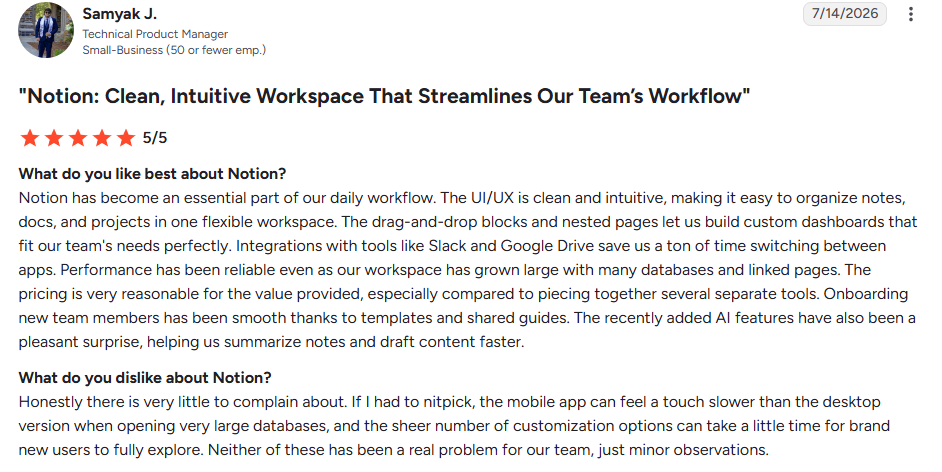
Rated 4.6/5 on G2
Source: G2.
Demo and Free Trial Availability
Free plan available indefinitely; a live demo can also be requested.
12. Trello – Simple And Effective For Tracking Ideas As They Move Into Tasks And Projects.
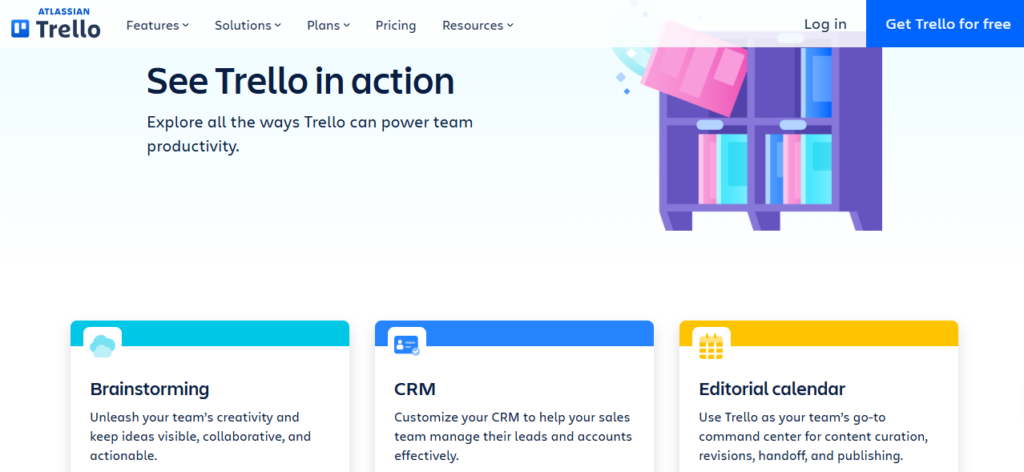
Trello organizes ideas and tasks as cards on visual boards, using lists and labels as the primary organizational structure.
Source: Trello
Trello Standout Features For Idea Organization:
- Boards, lists, and cards: Ideas start as cards in an “Inbox” or “Ideas” list, then move across labeled lists as they’re organized toward action, giving a simple, visible structure to raw input.
- Labels and custom fields: Cards can be tagged by category, priority, or owner, letting a growing pile of ideas stay sorted and filterable.
- Email-to-card capture: Forwarding an email to a dedicated address turns it into an organized card automatically, useful for ideas that arrive outside the tool itself.
- Card mirroring: The same card can appear on multiple boards at once and stay in sync, useful when an idea needs to be organized under more than one project or category simultaneously.
- Butler automation: Rule-based automation can auto-sort, move, or label cards as conditions are met, reducing manual organizational upkeep.
Best For
- Individuals and small teams wanting simple, visual tracking of ideas as they become tasks.
- Teams that want minimal setup and a short learning curve.
Pros
- Extremely easy to learn and use.
- Strong free plan with unlimited cards.
- Visual drag-and-drop interface that requires little training.
Cons
- Reviewers consistently note it’s better suited to simple task tracking than deeper structured organization; large volumes of ideas can get messy fast.
- Advanced organization features are gated behind paid Power-Ups.
- Not built for complex relationships between ideas the way a database-style tool is.
Pricing
Free plan with unlimited cards and up to 10 boards per workspace.
Paid plans include:
- Standard is $5/user/month (billed annually).
- Premium is $10/user/month (billed annually), adding additional views.
- Enterprise starts at $17.50/user/month, decreasing at higher user counts.
Customer Reviews/Ratings
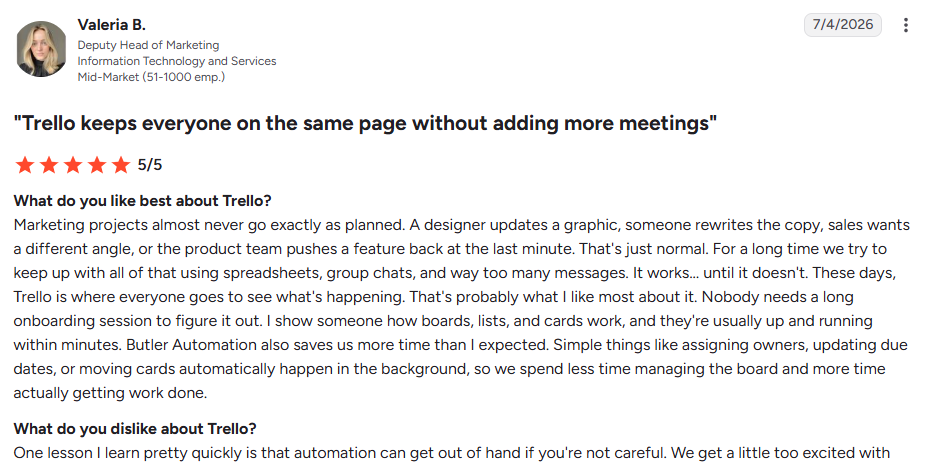
Rated 4.4/5 on G2.
Source: G2
Demo and Free Trial Availability
Free plan available indefinitely; Premium includes a 14-day free trial.
Parting Thoughts: Choosing the Right Idea Organization Software
The right tool depends on where your ideas come from, not just the feature list.
Visual, early-stage ideas fit Miro, FigJam, MindMeister, Xmind, or Milanote best. Ideas alongside everyday work fit Notion or Trello, with some discipline required.
Customer-sourced ideas fit Canny. Company-wide idea programs fit Aha! Ideas, Ideanote, or Brightidea.
For ideas that are genuinely patent-worthy, the TIP Tool™ goes further, organising ideas the same way, then carrying them straight into patentability scoring and USPTO tracking without switching systems. Sign up for free or get a tailored TIP Tool™ demo that caters to your specific idea organization requirements.
Whichever idea organization software you choose, you need to ensure that it suits your specific idea implementation workflow.
Disclaimer:
The information in this article/review is sourced from the internet and may not be entirely accurate or up-to-date. We recommend visiting the respective software websites for the most current and reliable information. The opinions expressed here are those of the author and may not reflect the views of Triangle IP. We are not liable for any consequences that may arise from relying on the information provided in this article/review.
Frequently Asked Questions
1. Is Idea Organization Software Useful for Small Teams, or Only Large Enterprises?
Yes, idea organization software is useful for both small teams and large enterprises when ideas need to be documented, compared, and revisited over time.
Small teams benefit once ideas move beyond informal notes or whiteboards. When multiple ideas must be reviewed, refined, or prioritized, a structured system such as the TIP Tool™ helps capture context, track decisions, and keep ideas organized as they evolve.
Large enterprises rely on idea organization software because high idea volumes and multiple contributors make manual tracking impractical. Without a structured system, ideas are easily duplicated, inconsistently evaluated, or forgotten, making it difficult to maintain visibility and ownership across the pipeline.
2. What Challenges Should Teams Expect When Migrating Ideas From Legacy Tools Into a New System?
Teams often face:
- Inconsistent data formats (titles, summaries, dates, tags) that require cleanup before importing ideas.
- Missing metadata, such as ownership, status, or scoring, which needs to be recreated manually.
- Duplicate ideas that must be identified and merged, using platform-specific merging rules (e.g., the TIP Tool™ Idea Manager’s controlled merge settings).
- Terminology mismatches when old tags or categories don’t align with the new system’s taxonomy, often resolved through admin-managed hard tags and bulk import/export cleanup.
- Change management hurdles, including training users, updating workflows, and ensuring ongoing adoption.
3. How Can Innovation Teams Measure the Real ROI of Idea Organization Software Beyond Idea Count or User Activity?
ROI should be measured not by the number of ideas but by strategic and operational impact:
- Faster cycle times from idea capture → vetting → filing, supported by structured workflow stages.
- Better prioritization using Value and Patentability Scores to decide what’s worth filing.
- Reduced wasted spend through analytics: examiner behavior, art unit outcomes, cost prediction, and prosecution statistics that improve decision quality.
- Improved portfolio clarity, using graphs, filtering, family views, and tagging for better strategic alignment in the Portfolio Manager.
- Less manual work, due to centralized data, imports, and structured fields.
4. What’s the Difference Between Idea Organization Software and Full Idea Management Platforms?
| Aspect | Idea Organization Software | Idea Management Software |
| Primary Purpose | Organize, document, and structure ideas in a shared workspace | Manage ideas end-to-end, from submission through evaluation, decision-making, and execution |
| Core Focus | Clarity and accessibility of ideas | Governance, prioritization, and progression of ideas |
| Typical Use Case | Teams that need a better way to store and review ideas | Organizations running structured innovation or IP programs |
| Workflow Structure | Minimal or informal workflows | Defined, configurable workflows with clear stages and ownership |
| Idea Evaluation | Basic notes or informal feedback | Built-in scoring, reviews, comparisons, and approval workflows |
| Prioritization Support | Largely manual | Systematic prioritization using scores, filters, and analytics |
| Collaboration | Comments, shared access, and basic editing | Role-based collaboration with reviewers, managers, and decision-makers |
| Scalability | Works well for small to moderate idea volumes | Designed to handle large pipelines and high submission volumes |
| Governance & Accountability | Limited visibility into ownership or status | Clear roles, responsibilities, and auditability |
| IP & Compliance Readiness | Not designed for IP-heavy environments | Often includes IP tracking, patent workflows, and compliance support |
| Reporting & Visibility | Simple lists or boards | Dashboards, status tracking, and portfolio-level insights |
| Best Fit For | Brainstorming, documentation, early ideation | Enterprises, R&D teams, universities, and IP-driven organisations |