
| TL; DR: When you search for patent paralegal software, most results point to full IP management suites, built for billing, admin configuration, and firm-wide practice management, not what a paralegal actually handles day to day. We’ve done this differently. We’ve categorized the software into four stages of patent work: capture, filing, prosecution, and portfolio management. Each stage has different needs, so the tools change accordingly. Finally, you’ll see one that can serve all of it: Triangle IP’s TIP Tool™. |
Go ahead, search “patent paralegal software.”
Top results are landing pages for Clio, CARET Legal, Questel, Clarivate, all big IP management suites.
They do a lot, no doubt.
But that’s the problem. You have to dig through every feature just to figure out whether it solves your use case or is dead weight you’ll pay for anyway.
So to help you decide with clarity, we focused specifically on the needs of a paralegal handling patent cases. We broke patent work into the four stages you actually live in: capture, filing, docketing, and portfolio management.
Each stage has its own categories, and each category has the tools to choose from.
Let’s get started.
Stage 1: Capture And Initiate
One in-house patent professional described the challenges in collecting invention disclosures on Reddit: inventors dump every file, or want a call that takes days to transcribe into a usable disclosure. That’s the problem.
What you need is Invention Disclosure Software, something that lets you customize the form, attach supporting files, and tag disclosures so they’re easy to filter later.
Best Invention Disclosure Software for Patent Paralegals
These are the four options that made it to this list. We chose them based on whether they offer the features a patent paralegal actually needs, not on who has packed in the longest list of features.
- Idea Manager Module, From The TIP Tool™ by Triangle IP.
- Invention Manager ™ by AppColl
- IP Assist by InspireIP
Let’s look at each one, one by one.
1. Idea Manager Module, From The TIP Tool™ by Triangle IP
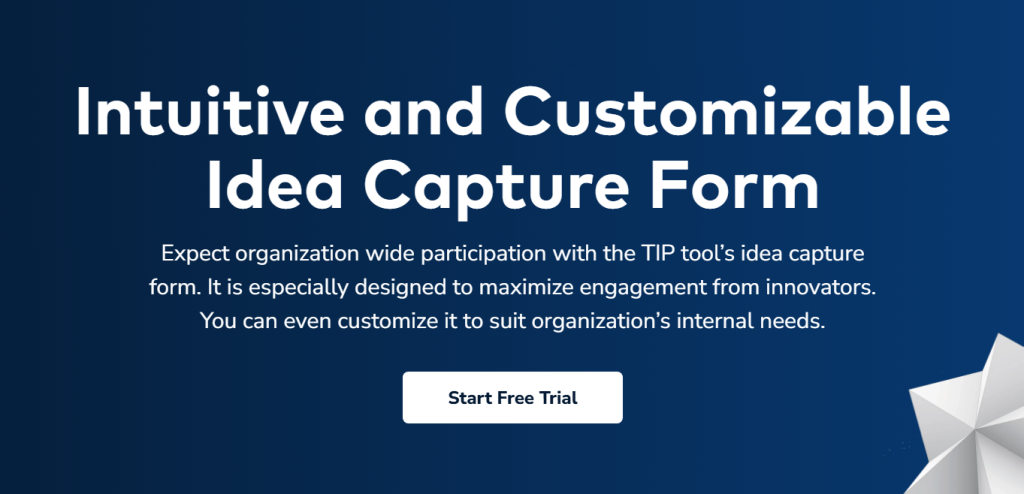
Idea Manager is the intake module inside Triangle IP’s TIP Tool™. It handles the first part of patent work, capturing the idea so it can be further used to file a patent.
Core Capabilities a Patent Paralegal Needs
- Customizable Disclosure Form: Shape the form to collect exactly what your team needs, keep it short and simple, or add fields in the form for more detail
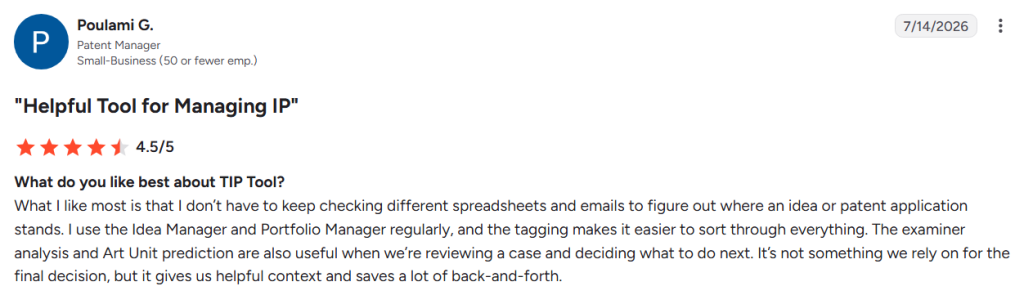
- Real-Time Collaboration: Co-inventors and reviewers add their input to the same record, so you’re not merging separate files yourself
- Attachments: Drawings, test data, and notes stay with the disclosure instead of scattered across emails.
- Tagging: Tag disclosures so they’re easy to find and filter later by technology, status, inventor, which is also how you pull up every case one inventor is on.
User Review:
Source: G2
Pricing:
The TIP Tool™ platform is free for up to 10 users on a single portfolio. The Premium plan is $50 a month for up to 100 users for 3 portfolios and a customized invention disclosure form.
Must Read: Top 5 Invention Disclosure Software to Streamline Your Patent Program in 2026
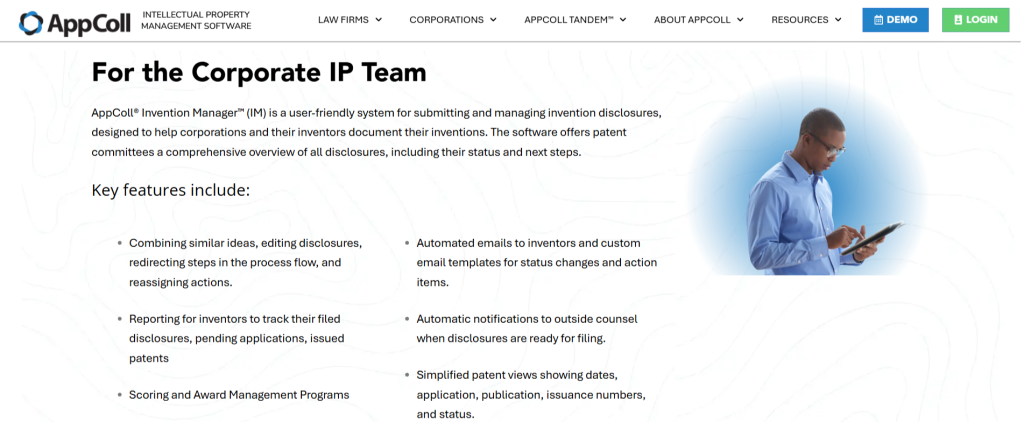
2. Invention Manager by AppColl
Source: AppColl Invention Manager
Core Capabilities a Patent Paralegal Needs
- Customizable Disclosure Form: Build up to 48 questions using free text, dropdowns, or dates, so you collect what you need to make a filing decision.
- Custom Tags: Organize disclosures by product line, technology, or keyword, then pull reports filtered on any field.
- Automated Notifications: Inventors get emails when their disclosure status changes or an action is pending. Outside counsel is notified automatically once something is approved for filing.
User Review:
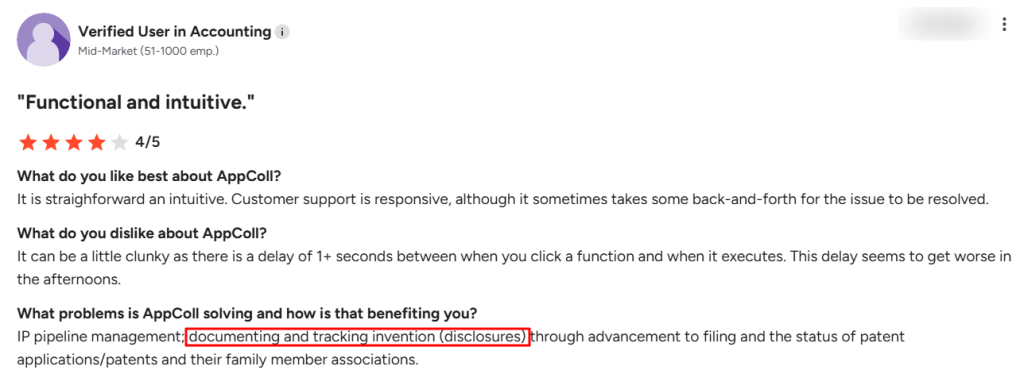
Source:G2
Pricing:
Invention Manager pricing starts from $350 a month for 100 users, billed annually.
3. IP Assist by InspireIP
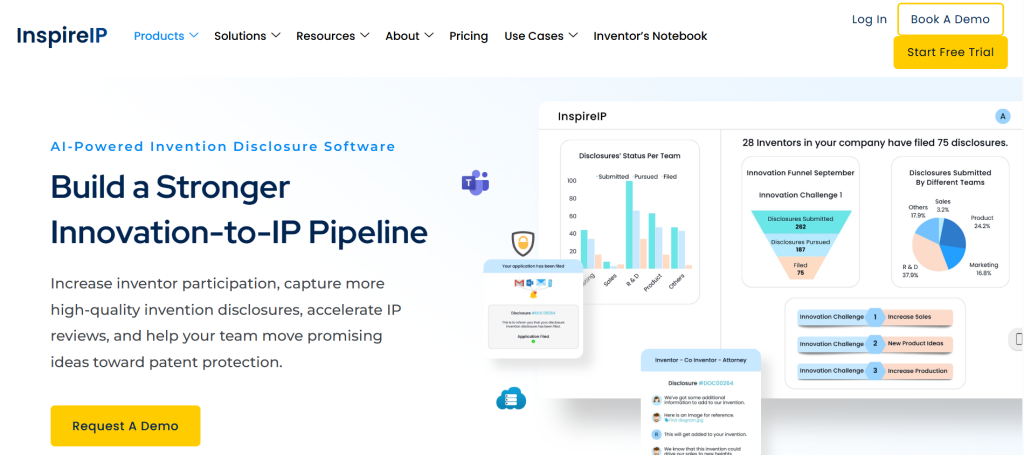
Source: IP Assist
Core Capabilities a Patent Paralegal Needs
- AI forms: Guided, personalized forms with AI assistance, so inventors are prompted for detail rather than facing a blank page.
- Attachments: Rich media and document attachments, plus Slack and Teams integration
- Automated Reminders: The system chases inventors on pending submissions, with automated reminders.
- Prior art search at intake: AI novelty screening runs on the disclosure itself
User Review:
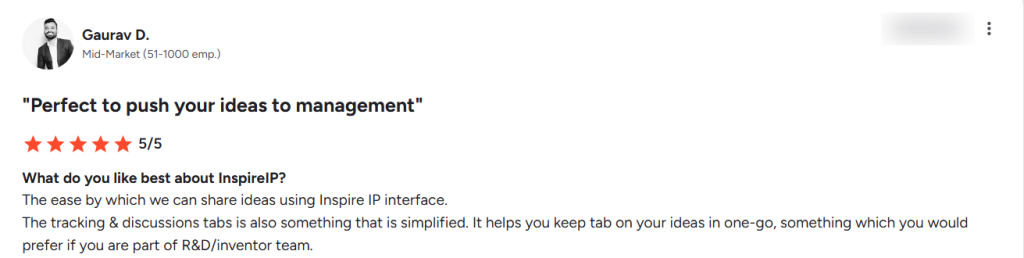
Source: G2
Pricing:
Custom quote. A 30-day free trial is available.
Capturing the disclosure is only the start. Once it is approved, it turns into paperwork, and the documents have to match across every jurisdiction you file in.
Stage 2: Prior Art Search And File
Before anything gets filed, someone has to check what already exists. Paralegals run these prior art searches and gather the references.
Then comes the filing itself, and that part is harder than it looks. One paralegal on Reddit said the difficulty is keeping the inventor and applicant data clean underneath the disclosures.
Now let’s take a look at the prior art search tools for paralegals.
Best Patent Prior Art Search Tools
These tools let you search patent databases by keyword, classification, or meaning, and pull the full record for anything you find. What you get back is a set of references to hand the attorney.
Moreover, all four are free, and PQAI is open source.
- PQAI
- Google Patents
- PatentScope
- EscapeNet
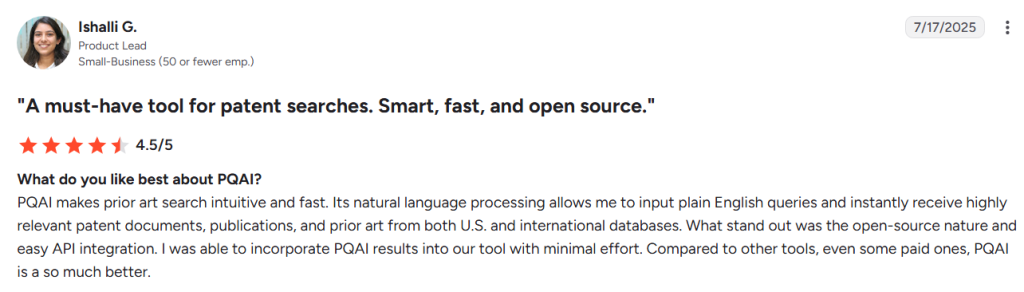
1. PQAI
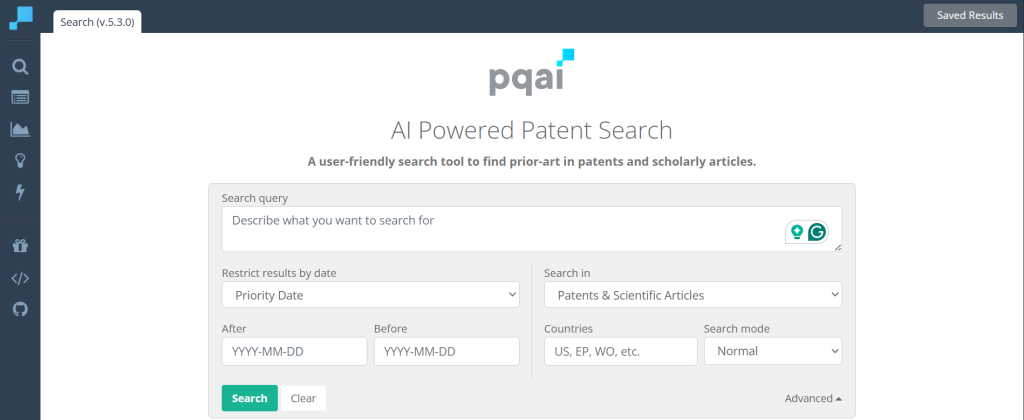
Source: PQAI
Core Capabilities a Patent Paralegal Needs
- Plain Language Search: describe what you are looking for in a sentence, and the tool finds documents that match the concept even when they use different terminology
- Patents and Scientific Articles: search both in one place, so non-patent literature does not need a separate tool
- Date Filtering: restrict results by priority date, which is how you check what counted as prior art before a given filing
- Country Filtering: narrow to US, EP, WO, or whichever jurisdictions matter for the matter you are working on
- Saved Results: keep the references you find attached to a search rather than rebuilding it later
- Privacy: PQAI does not track or log the contents of your search, which matters when you are searching an unfiled invention.
User Review:
Source: G2
2. Google Patents
Source: Google Patents
Core Capabilities a Patent Paralegal Needs
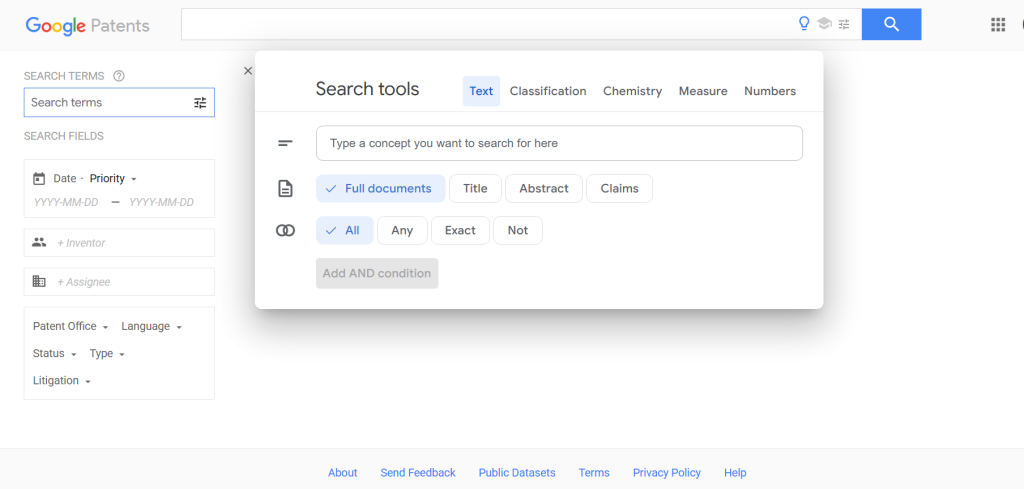
- Search by Field: Filter on inventor, assignee, patent office, language, status, type, or litigation history, so you can pull everything filed by one company or one inventor
- Text Search Controls: Search full documents or restrict to title, abstract, or claims, and combine terms with all, any, exact, or not
- Classification Search: Browse and search by CPC classification rather than keywords alone
- Specialist Search Modes: Separate tools for chemistry, measurements, and numbers, which matter for chemical and mechanical matters
3. PatentScope
Source: PatentScope
Core Capabilities a Patent Paralegal Needs
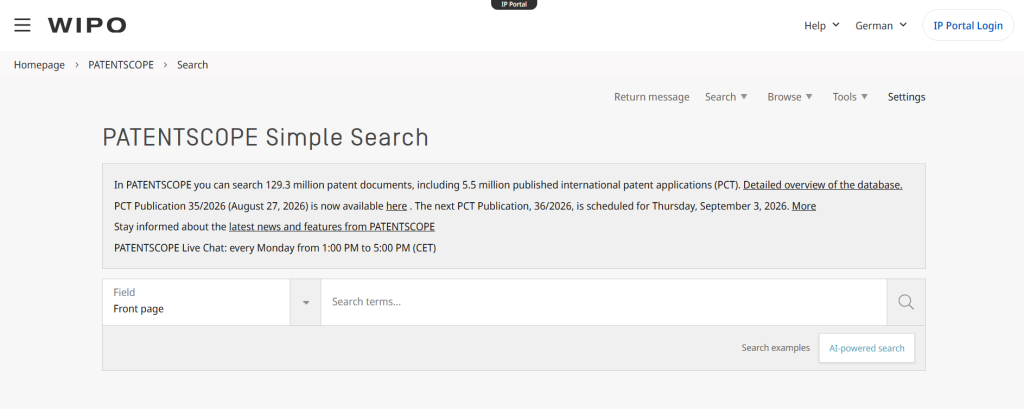
- PCT Coverage From the Source: Published international applications come from WIPO itself, so the data matches the official record rather than a third-party copy
- Field-Level Search: Run a simple search on the front page fields, or target specific fields when you know what you are looking for
- AI-powered Search: Describe the concept instead of building a query string
- New Publications Weekly: The current PCT publication is posted with the next one dated, so you can check what has just been published.
4. Espacenet
Source: Espacenet
Core Capabilities a Patent Paralegal Needs
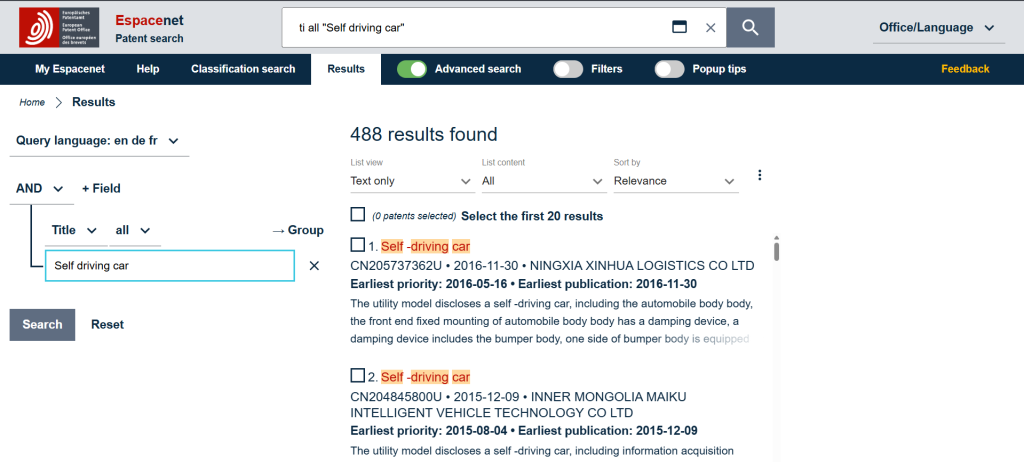
- Field-based Query Building: Combine conditions with AND, OR, and NOT across title, abstract, claims, and other fields, then group them, which is how you build a search you can document and rerun
- Classification Search: Browse and search by CPC classification as a separate mode
- Multi-language Querying: Search in English, German, and French, useful when the relevant art was filed in Europe or Asia
- Result Set Management: Select records from a result list, sort by relevance, and save searches to My Espacenet.
Once the search is done and the attorney has decided to move ahead, the work shifts to getting the application on file. One paralegal on Reddit said the difficulty in filing is keeping the data clean and structured.
Patent Filing Software
These tools prepare the paperwork a filing needs, from the ADS (Application Data Sheet) and transmittals to the IDS (Information Disclosure Statement), and submit it to the patent office.
So at this stage, the software should enable you to assemble filings and coordinate multi-jurisdictional filings.
Here are the top three patent filing software:
- IPDAS by AutoDocs
- ePCT by WIPO
- SyncIDS
1. IPDAS by AutoDocs

Source: AutoDocs
Core Capabilities a Patent Paralegal Needs
- Form and Letter Generation: Prepare USPTO, PCT, and EPO forms, client letters, and emails, one at a time or in bulk
- IDS Management: Handle Information Disclosure Statements as a dedicated workflow rather than a form you assemble by hand
- Document Management Integration: Generated documents are filed and profiled straight into your DMS, so nothing needs moving afterwards
- Electronic File Wrapper and Bulk Data Downloads: Pull case documents and data in volume rather than one record at a time
Pricing:
Not published. Available on request.
2. ePCT by WIPO

Source: WIPO
Core Capabilities a Patent Paralegal Needs
- PCT Filing: File new international applications with participating receiving offices and handle everything that follows.
- Automated Validation: Submissions are checked against the PCT Implementing Regulations and the current Applicant Guide before they go in.
- Live Case Documents: See the bibliographic data and documents WIPO holds, including pre-publication material
- Deadline Monitoring: Track dates and set automatic warnings for elapsed deadlines
- Access Rights: Share case access with foreign associates and outside counsel under controlled permissions.
Pricing:
ePCT by WIPO is free to use.
3. SyncIDS
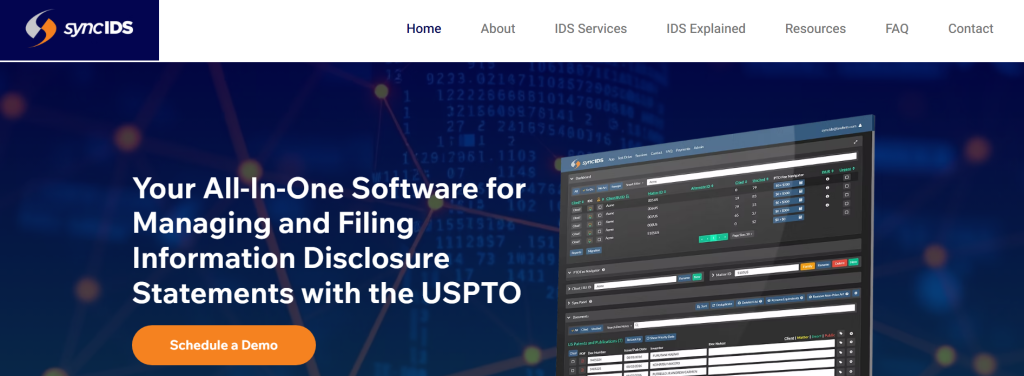
Source: SyncIDS
Core Capabilities a Patent Paralegal Needs
- Database Integrations: Pulls from Patent Center, Espacenet, and Global Dossier
- Completed Forms and Packages: Generates IDS forms and transmittal letters, routes packages for review and approval, then files them.
- Files With the USPTO: Submits the package directly, or you can file it yourself.
Pricing
Not published. Free trial available.
Once an application is filed, every USPTO letter has to be read, matched to the record, turned into a docketed event with a calculated deadline, and acted on.
Stage 3: Docket And Prosecute
The harder part of docketing is knowing the status of the application. One paralegal described a 45-minute call, passed between departments, just to know the application status.
Let’s take a look at the tools that help paralegals to avoid this 45-minute call and manage docketing effectively.
Best Patent Docketing Software
What matters here is how much the system does without you. Calculating due dates from jurisdiction rules, pulling status from Patent Center, and turning incoming USPTO letters into docket entries are the differences worth paying for.
The top three patent docketing software are:
- Prosecution Manager by Appcoll
- PATTSYWAVE by Anaqua
- DocketTrak
1. Prosecution Manager by AppColl
Source: Appcoll
Core Capabilities a Patent Paralegal Needs
- Automated Office Action Intake: Reads e-Office Action emails, pulls the documents from Patent Center, and creates the docketing tasks with everything attached.
- Examiner-cited Reference: Extracts examiner-cited references automatically and adds them as prior art on related matters.
- Bibliographic Data Import: New applications arrive from Patent Center with fields already populated.
- Custom Task Triggers: Follow-up work fires automatically when a date, status, or USPTO event changes.
User Review
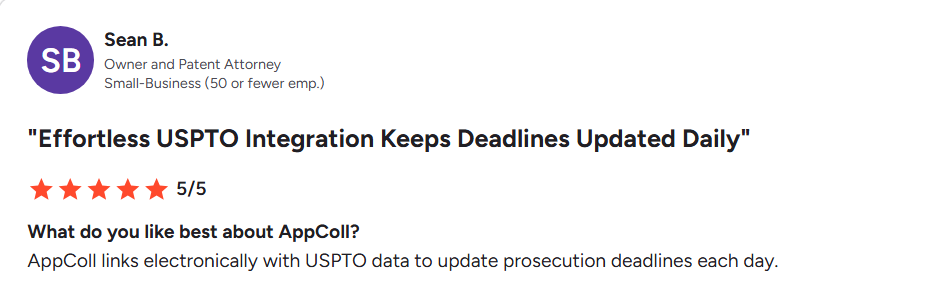
Source: G2
Pricing
The pricing starts at $130 per user per month plus $100 for each law firm added, billed monthly.
2. PATTSYWAVE by Anaqua

Source: Anaqua PATTSYWAVE Page
Core Capabilities a Patent Paralegal Needs
- Single-screen design: the information you need sits in one place instead of spread across tabs
- Portfolio comparison: scans your whole US portfolio against official records to find data that has drifted out of sync
- Patent Center integration: polls daily, so events arrive without manual entry
User Review
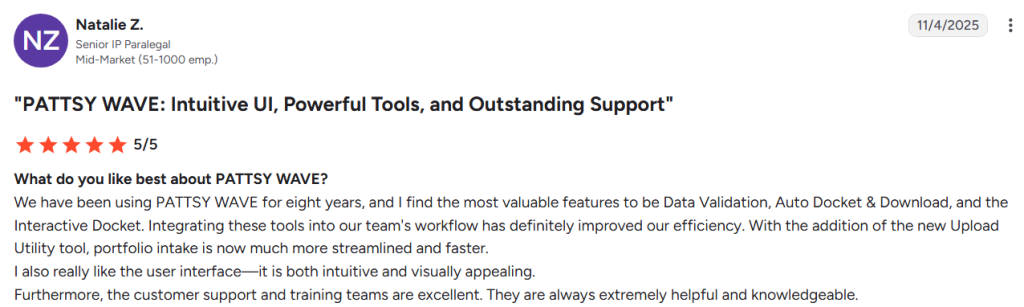
Source:G2
Pricing:
Not published. Available on request.
3. DocketTrak
Source: DocketTrack
Core Capabilities a Patent Paralegal Needs
- Built-in US Patent Rules: Calculates due dates automatically from trigger dates
- USPTO Integration: Connects to Patent Center and the e-Office Action system, creating prosecution events as correspondence arrives
- Client Portal: Clients check their own docket status, which removes status requests
- Reporting and Reminders: Customizable real-time reports, daily reminder emails, and document generation into Word.
User Review
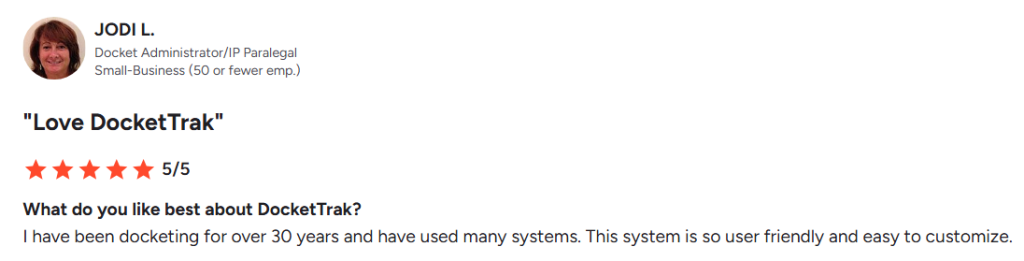
Source:G2
Pricing
Pricing starts at $125 a month for up to five users, unlimited records, no setup fee, and no long-term contract.
On top of maintaining the docket, paralegals are also answerable to questions about the patent portfolio.
Stage 4: Manage And Maintain Portfolios
Paralegals need a bird’s-eye view of the patent portfolio. That view is harder to assemble than it sounds. Counting what is granted, abandoned, or still in process means going through a lot of records.
To manage this, paralegals use software that shows the whole portfolio from ideas to patents and calculates maintenance costs.
Best Patent Portfolio Management Software
When selecting a patent portfolio management software, look for how quickly you can answer questions from people outside the IP team.
How many patents are granted, what the portfolio costs to maintain, and which assets are worth keeping should take a few clicks and not a complete process.
These are the tools that made it to this list:
- Portfolio Manager Module From TIP Tool™ by Triangle IP
- FoundationIP by Clarivate
- Anaqua AQX Corporate
To explore more about the patent portfolio management software, check out our article: Top 8 Patent Portfolio Management Software (2026)
1. Portfolio Manager Module From TIP Tool™ by Triangle IP
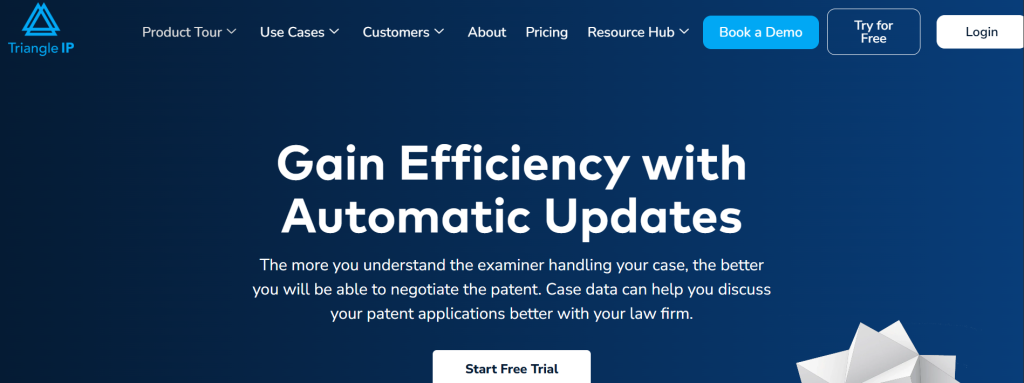
Core Capabilities a Patent Paralegal Needs
- Status at a Glance: Every application is listed with its patent status, so you can see what is patented, pending, abandoned, or expired without counting
- Portfolio View: Separates US, international filings, drafting, and not-yet-synced applications, so you can spot records that have drifted from your docketing system. Based on your preference, you can also merge US and international applications into a single view.
- Portfolio Averages: Shows average allowance rate, average time to allowance, and average argument rounds across everything you own
- Case Analytics on Each Record: Predicted cost per application sits alongside patentability and value scores and performance metrics.
- Family View: The Patent Family Generator shows related applications and continuity data in three different views – Classic, Modern, and Gantt chart.
- USPTO Sync: Application updates pull directly from the USPTO, so status stays current.
- Bulk Import and Export: Move records in and out in bulk rather than one at a time.
User Review
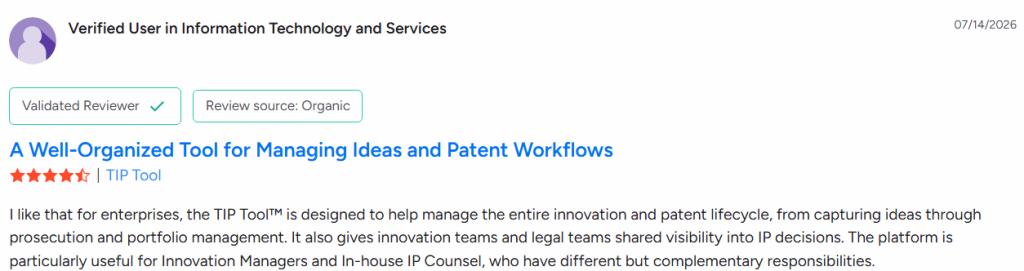
Source: G2
Pricing
Free for up to 10 users on a single portfolio. Premium is $50 a month for up to 100 users across three portfolios.
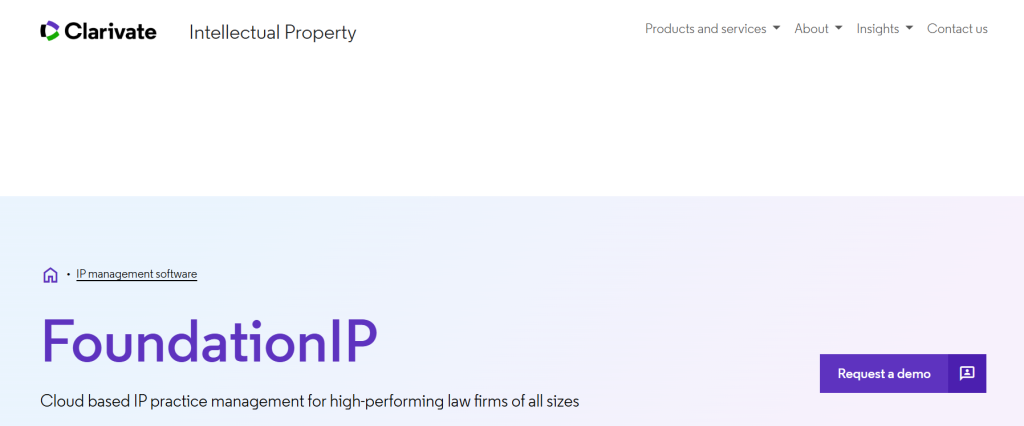
2. FoundationIP by Clarivate
Source: FoundationIP
Core Capabilities a Patent Paralegal Needs
- Family Tree View: Tracks priority lineage and terminal disclaimers automatically, and shows how applications relate to each other.
- Report Builder: Create and schedule complex reports by role, with custom charts and graphs you can share.
- Global Portfolio Support: Covers 300+ jurisdictions with rules that refresh three times a year, so a portfolio spread across many countries stays accurate without manual checking.
- Bulk Data Verification: Verify and update records in bulk rather than one at a time.
- Portfolio Analysis: Integrates with Innography for deeper portfolio analytics.
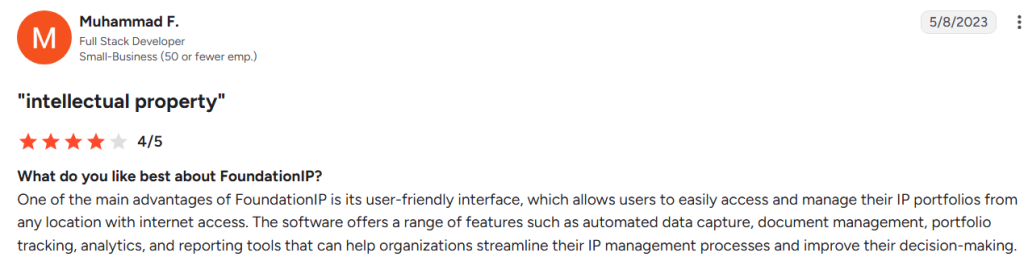
User Review
Source: G2
Pricing
Not published. Available on request.
3. Anaqua AQX Corporate

Source: Anaqua AQX Corporate
Core Capabilities a Patent Paralegal Needs
- Portfolio Classification: Classify and organize IP assets so you can view the portfolio from several perspectives rather than as one long list.
- Product-Centered IP: Link patents to the products they protect, so decisions about what to keep sit next to what the asset actually covers.
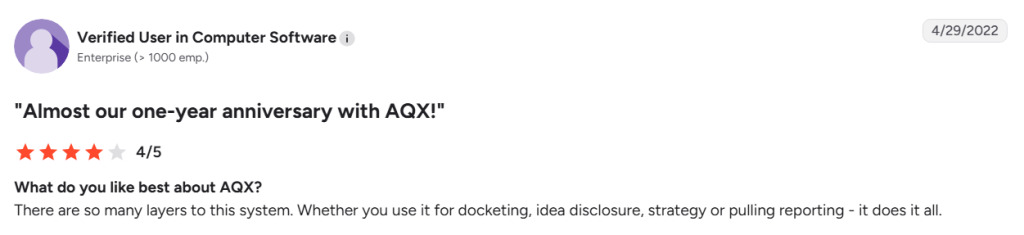
User Review
Source: G2
Pricing
Not published. Available on request.
If you’re looking for alternatives for AQX corporate, check out our article: Choose From 4 AQX Corporate Alternatives | If AQX Feels Too Heavy for Your Enterprise IP Teams
Patent Renewal Deadline Management Software
Renewal fees keep a patent alive, and they come due in every country you filed in, on schedules that vary by jurisdiction.
Some software comes with services where the provider tracks these deadlines and makes the payments for you. Check which one you are buying, since the pricing and the workload look different.
Here are the three tools worth considering for patent renewal:
- Symphony Renewal Management by MaxVal
- Patent Renewals by Questel
- Astria by WellSpring
- CPI (Computer Packages Inc)
1. Symphony Renewal Management by MaxVal

Source: MaxVal
Core Capabilities a Patent Paralegal Needs
- No Data Transfer: Renewal decisions happen inside Symphony, so nothing gets re-entered or moved between systems.
- Automatic Rules Updates: Renewal rules update as country laws change in your jurisdictions.
- Cost Projection: Analytics project patent family cost and full patent lifetime cost.
- Payment Tracking: Fee payment status and renewal confirmation receipts come back into Symphony.
Pricing
Not published on their website.
If you’re looking for alternatives for MaxVal Symphony, check out our article: Top 5 MaxVal Symphony Alternatives for IP Teams.
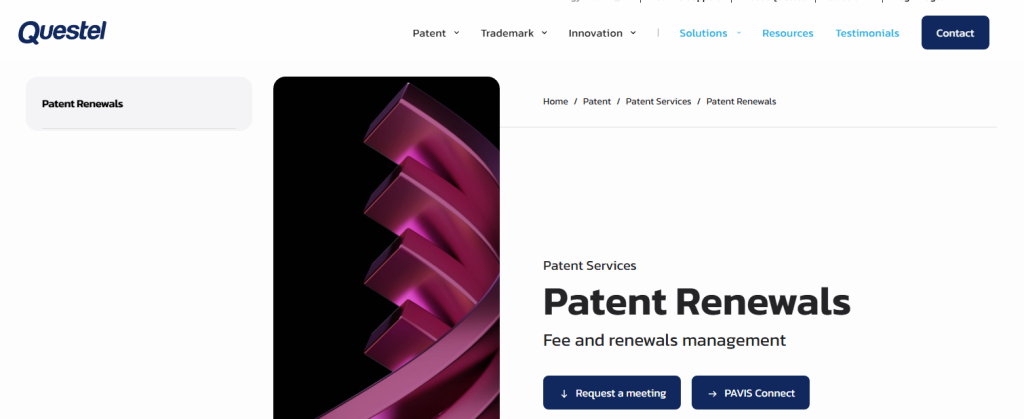
2. Patent Renewals by Questel
Source: Patent Renewals
Core Capabilities a Patent Paralegal Needs
- Full Delegation: Questel tracks deadlines, regulatory changes, and official fees on your behalf.
- IP Management Interfaces: Connects to common IP management systems, so new rights and payment instructions transfer automatically.
- Data Verification: Records are checked at onboarding and on an ongoing basis.
- Cost Transparency: Pricing for every element is visible up front, with a price overview available at any time.
- Self-Service Option: RenewalsDesk lets you browse renewal fees by country, estimate costs and due dates, and order renewals yourself. It also includes a free calculator.
Pricing
Not published.
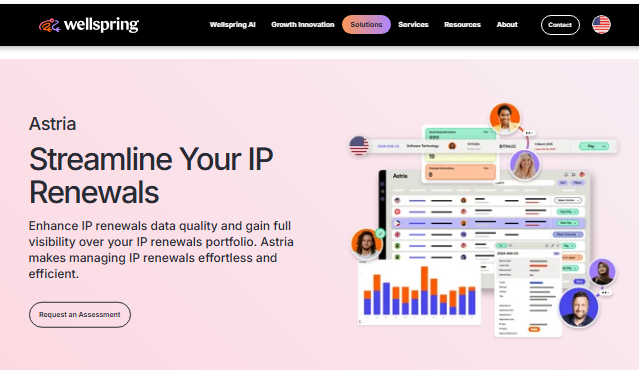
3. Astria by WellSpring
Source: Astria
Core Capabilities a Patent Paralegal Needs
- Single View: All patent and design renewal costs and upcoming due dates in one place.
- Forward Visibility: See real-time fees and deadlines for the next month, quarter, year, or beyond.
- Bulk Instructing: Renew in bulk or by group, family, time period, or manager.
- Data Checks: Case data is verified against patent office records as standard, with three rounds of quality checks.
- Invoice Reconciliation: Fee breakdowns by reference and case, exportable as PDF
Pricing
Not available on their website.
4. CPI (Computer Packages Inc)

Source: CPI
Core Capabilities a Patent Paralegal Needs
- Integrated Renewal Tracking: Annuity management runs inside the same platform as your docketing, so renewal data sits with the case record.
- Global Data Validation: Country-specific analysts verify records across 100+ countries, which matters when a wrong filing date means a missed payment.
- Cost Forecasting: The Patent Cost Estimator projects spend using jurisdiction-specific fees.
- Real-Time Office Data: Records update directly from the USPTO and EPO rather than through a periodic sync.
Pricing
Not available on their website.
Patent Cost Calculator
Finance will ask paralegals what the portfolio costs to maintain next year. That’s where patent cost calculators come in. They estimate filing, prosecution, and renewal spend across jurisdictions, so the number comes from your case data rather than a spreadsheet.
Check these two patent cost estimators to calculate your IP budget.
- The TIP Tool™ Cost Estimation
- Computer Packages (CPI) Patent Cost Estimator
1. The TIP Tool™ Cost Estimation

Core Capabilities a Patent Paralegal Needs
- Cost At The Idea Stage: Before anything is filed, you get a full breakdown for the same invention as a provisional or a non-provisional, so the filing decision has a number attached to it.
- Line-Item Breakdown: Drafting, argument round responses, examiner interviews, issuance, and government fees are listed separately with quantities, rather than arriving as one total.
- Cost On Live Applications: Every filed application carries a predicted total, the next payment due, and what remains across the rest of its life.
- Art Unit and Examiner Context: The estimate sits beside the predicted art units and examiner analytics like allowance rates, so cost and odds are on the same screen.
Pricing:
Free for up to 10 users on a single portfolio. Premium is $50 a month for up to 100 users.
| Note: Examiner Analysis and Prosecutor Analysis run on USPTO data, so they apply to US filings rather than foreign ones. |
2. Computer Packages (CPI) Patent Cost Estimator
Source: CPI
Core Capabilities a Patent Paralegal Needs
- Full Cost Picture: Estimates include official fees plus agent charges and translation costs, which are the two line items most forecasts leave out.
- Global Jurisdiction Coverage: Fees for filing, prosecution, and maintenance across all jurisdictions, drawn from live data rather than a stored fee table.
- Unlimited Estimates: A fixed-price licence with no per-use charge, so you can run estimates as often as the question comes up.
- Custom Rate Agreements: The tool can reflect your own negotiated cost agreements rather than only standard rates.
- Budget Reporting: Generate reports for internal budgeting rather than exporting figures into a spreadsheet.
Pricing
Not published. Requires a separate licence on top of the patent management system.
How TIP Tool™ by Triangle IP Suits You in All Four Stages
Each of the four stages needs different data and different capabilities. That leaves paralegals working across several tools.
Multiple vendors, multiple logins, and the data scattered across tools. TIP Tool™ by Triangle IP comes closest to having everything in one place:
- Idea Manager takes disclosures through a form you shape yourself, with scoring and a kanban pipeline that organizes ideas and shows each idea’s status.
- Inventor and applicant details captured at disclosure stay in one record, ready when the filing forms need them.
- It syncs with your existing docketing system, then adds what that system does not give you. Examiner Analysis, for instance, shows the allowance rate, office action trends, and RCE patterns for the examiner on your case.
- Portfolio Manager shows composition, family tree, predicted cost per application, and value scoring in a few clicks.
The pipeline view and the portfolio view come in one subscription. Moreover, you have the option to purchase prosecution intelligence tools, like Examiner Analysis and Predictor Tool, as a standalone tool for $5 per user per month.
You can try the TIP Tool™ free, or book a demo by filling out the form below.
Disclaimer: All the information listed here is sourced directly from the vendors’ websites and other publicly available sources on the internet. Some tools listed here do not have a G2 profile, so no user rating is shown for them. Pricing is included only where the vendor publishes it.
Frequently Asked Questions
1. Do In-house Patent Teams Need The Same Software as Paralegals in Law Firms?
No. In-house teams collect invention disclosures from their own engineers, so they need intake and evaluation software that law firms rarely use. Law firms receive matters rather than harvesting them, and their work sits heavily in docketing, filing, and prosecution support. In-house teams often find they are paying for docketing and IDS features that outside counsel already handles.
2. Is it Safe to Use AI Tools with Confidential Patent and Invention Data?
It depends on what the vendor commits to contractually. Start by asking whether your data trains their models. You also want to know whether they keep a zero data retention policy with the model provider behind the product. Certification matters too, so check for SOC 2 or ISO 27001.
3. What Should a Patent Paralegal Do During a Software Demo?
Bring your own scenarios rather than watching the vendor’s. Vendor demos are built to run smoothly, so a real office action or a filing that went badly last month will tell you far more. Reference customers at organizations your size are worth calling directly. Data migration is the other thing to settle early, including what moving your existing records involves and who actually does that work.