
| TL;DR – The best ideas often hide outside R&D. They surface in sales calls. They surface in support chats. Sometimes even in the break room. Idea capture software makes sure those sparks don’t slip away. In this article, we break down the 10 best idea capture software of 2026. That list covers TIP Tool, IdeaWake, HYPE Boards, InnovationCast, Planview IdeaPlace, Canny, FigJam, BrightIdea, Notion, and Google Keep. We cover features, pricing, company fit, and patent versus execution support. If you want to turn scattered ideas into patents, products, and real growth, this guide is your shortcut. |
Retailer Halfords generated £759,000 in value from 515 employee ideas in just six months. They made that jump after switching from a legacy suggestion box to structured idea capture software.
The old suggestion box approach had a predictable problem: ideas went in, and almost nothing came back out. No visibility, no follow-up, no way to tell which submissions were actually worth acting on. Idea capture software fixes that by making every idea trackable from submission through decision.
That’s the shift this article is about. We’ll cover the best idea capture software of 2026, comparing features, pricing, company fit, and whether each tool supports patents or just execution.
5 Key Features to Look for in Any Idea Capture Software
There are dozens of products in the idea capturing software category, making it difficult to zero in on one. However, here are some essential features to look for when selecting an idea capture software.
- Low friction submission: The fewer steps between having an idea and submitting it, the more ideas you’ll actually get. Look for a form that starts short, loads fast, and doesn’t require training to use.
- Multiple capture channels: Ideas surface in meetings, Slack threads, support calls, and hallway conversations. The right tool lets people submit from wherever they already are web, mobile, email, or directly through Teams or Slack- without switching context.
- Open participation with controlled access: Anyone in the organization should be able to submit an idea. What they can see, edit, or comment on afterward can be restricted by role. Both need to be possible at the same time.
- Offline or async capture: Not every idea arrives during working hours or with a stable internet connection. Draft mode, mobile sync, and downloadable forms ensure ideas don’t get lost in the gap between having the idea and being able to submit it.
- Integrations that reduce submission friction: Native connections to Slack, Teams, or email matter here specifically because they let people capture ideas without opening a separate tool. This is different from post-capture integrations like Jira or CRM, which serve evaluation and delivery, not capture itself.
Before we look into the deep analysis of each tool, here’s a quick comparison chart to help you find your starting point.
Comparison of 10 Best Idea Capture Software in 2026
| Tool | Ease of Use | Best Suited Category | Best For | Starting Pricing |
| The TIP Tool™by Triangle IP | Simple, drag-and-drop, built for structured capture | Patent-track, IP-focused idea capture | Small to mid-sized enterprises filing 25-50 patents a year | $50/month |
| Ideawake | Easy, intuitive interface | Execution-track, enterprise innovation | Large enterprises and Fortune 500 companies | $500–$2,250/month. |
| HYPE Boards (formerly Viima) | Very easy, flexible boards | Execution-track, general idea capture | Companies of any size, strong free tier | Free (up to 10-50 users), paid plans from $79/month |
| InnovationCast | Moderate, workflow-heavy setup | Execution-track, full lifecycle capture | Mid-to-large enterprises wanting structured workflows | Custom pricing |
| Planview IdeaPlace | Moderate, enterprise configuration required | Execution-track, enterprise crowdsourcing | Large enterprises with dedicated innovation teams | Custom pricing |
| Canny | Easy, purpose-built for feedback | Product feedback capture | Product teams collecting customer input | Free, paid from $99/month |
| FigJam | Easy, visual and collaborative | Pre-capture brainstorming, whiteboarding | Small to mid-sized teams doing early ideation | Free, paid from $15 per seat/month |
| Brightidea | Moderate, more setup required | Execution-track, enterprise-wide capture | Large enterprises running company-wide idea programs | Starts around $59/month |
| Notion | Easy to moderate, flexible setup | Personal to small team idea capture tool | Freelancers, small teams, individual use | Free, paid from $10/month |
| Google Keep | Extremely easy, zero learning curve | Personal, quick idea capture | Individuals and freelancers | Free |
The comparison table is just the starting point. Take a closer look at the features, strengths, and trade-offs of each idea capture software below.
10 Best Idea Capture Software – Complete Feature and Pricing Breakdown
One frustrated builder lost the same idea four separate times before finally solving it by building his own capture tool out of sheer necessity. Most people don’t go that far. They just lose the idea and move on, never knowing what it could have become.
The right idea capture software fixes this before it happens. The wrong one just adds friction, and the idea disappears anyway.
Here are the 10 best options in 2026, based on how fast they let you capture, and where they take you after:
- The TIP Tool™
- Ideawake
- HYPE Boards (formerly Viima)
- InnovationCast
- Planview IdeaPlace
- Canny
- FigJam
- Brightidea
- Notion
- Google Keep
1. The TIP Tool™
With simplified capture and management for frictionless innovation, Triangle IP’s TIP Tool™ puts you in control of the entire intellectual property management process.
The TIP Tool™ handles idea capture, patent pipeline tracking, and case analytics in one system. With the TIP Tool™ you can take an idea from first disclosure through to a filed patent.
Ease of Use
The drag-and-drop design is simple and easy to understand, placing your ideas and notes within a single screen. It is impressive because it offers enterprise-wide usability and collaboration.
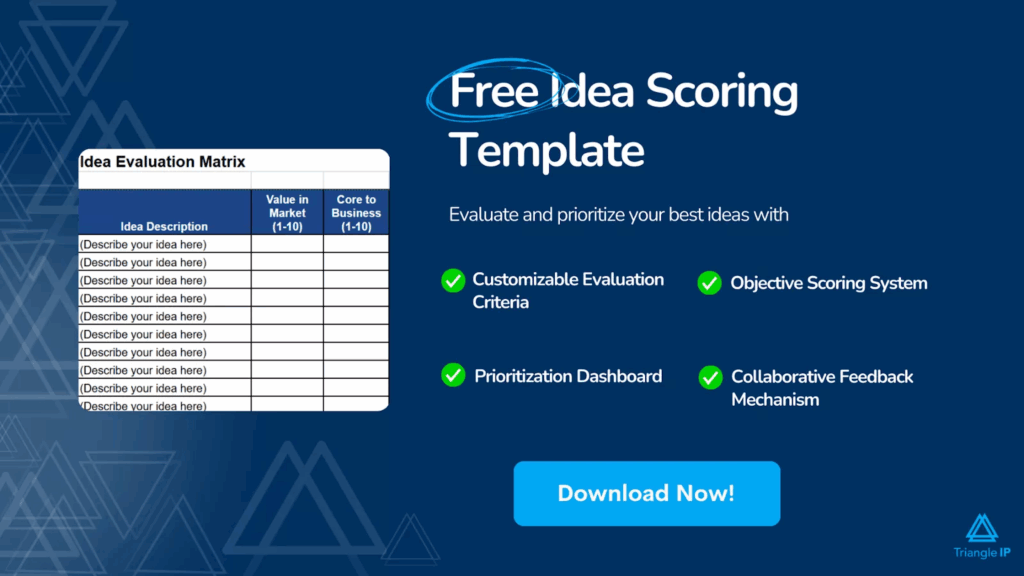
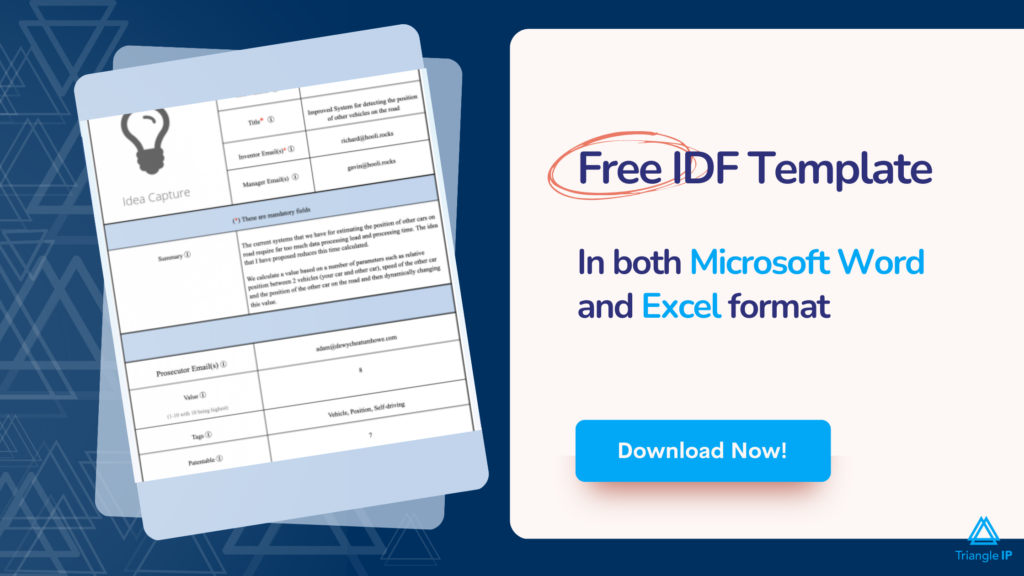
The Simplicity of the Idea Capture Form
The TIP Tool™’s idea capture form is carefully designed to maximize engagement from innovators.
The form starts short, asking only for the essentials so it doesn’t overwhelm a first-time user. You can add, edit, hide and even reorder the fields to match your organization’s innovation workflow.
You can even download its idea capture form for offline use in Word and Excel formats.
The best part is that the filled forms are readable back into the tool. Furthermore, it’s also possible to customize the idea capture form offered by Triangle IP to suit your enterprise’s needs.
Participation Options
Participation is open enterprise-wide, with no cap on who can be authorized to submit or view ideas. Access can still be scoped by role, so sensitive fields can stay hidden at the capture stage.
Suitable Company Sizes
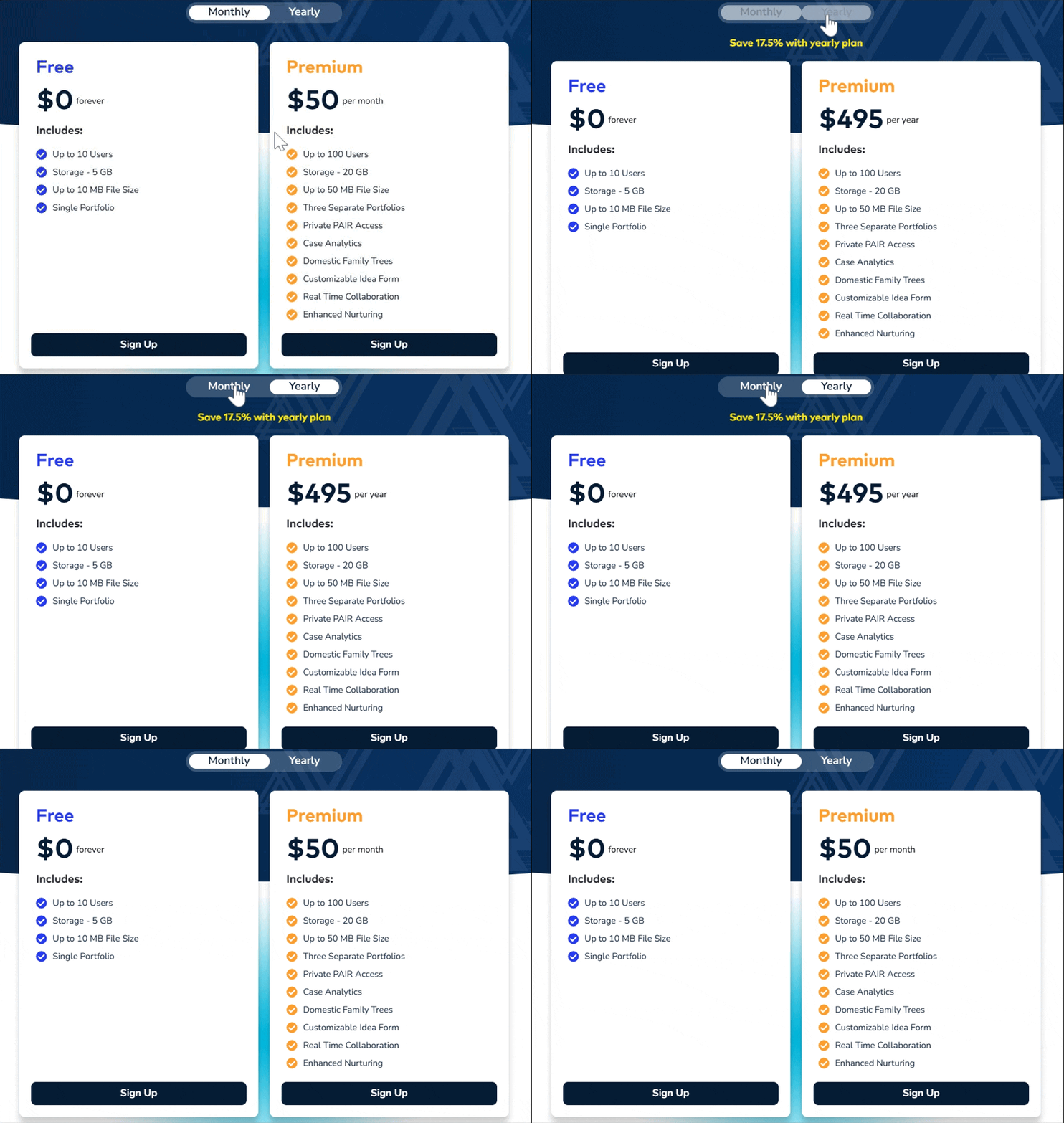
The TIP Tool™ by Triangle IP serves organizations across the range, from individual inventors and startups up through enterprise IP teams. The Premium plan supports up to 100 users, and larger organizations move to a custom plan with no user cap.
Pricing
Free forever, for up to 10 users, 5GB storage, and a single portfolio. Premium is $50/month or $495/year for up to 100 users. Every plan starts with a full free month, no credit card required.
Patent Track or Execution Track
The TIP Tool™ is designed with the patent track in mind. It helps you track ideas through different stages of the IP lifecycle like:
- Idea Capture
- Thorough Vetting
- Patent Filing and
- Patent Portfolio
You can get end-to-end patenting cost estimations to plan your IP budgets wisely.
2. IdeaWake
IdeaWake provides a configurable platform for idea capturing, evaluating, and acting on employee ideas, with real depth once you’re past the intake form.

Source: IdeaWake
Ease of Use
The interface stays simple on the surface, and submitting an idea takes no training.
Where Ideawake stands out on ease of use is customization depth: admins can add up to 14 different custom field types to the submission form. Moreover, users can save unfinished ideas as drafts instead of losing progress. That combination means the software adapts to how your team actually works.
The Simplicity of the Idea Capture Form
The base form still just asks for a title and description, so a first-time user isn’t overwhelmed. Admins can then layer in tags, value estimates, or any of the 14 custom field types as needed.
Participation Options
Any employee can be authorized to access Ideawake, with a few limitations.
Best Suited For:
Ideawake targets companies from 100-employee startups up through Fortune 500 enterprises. Its core focus on organizations between 250 and 5,000 employees seeking scalable idea capture.
Pricing
Licensing subscription:
- $500/month
- $300–$2,250/month
- Enterprise custom-priced
Full pricing details of IdeaWake.
Patent Track or Execution Track
IdeaWake remains best suited for execution track use. It still doesn’t offer patent-specific features like IP lifecycle tracking or patent analytics for filing decisions.
3. HYPE Boards (formerly Viima)
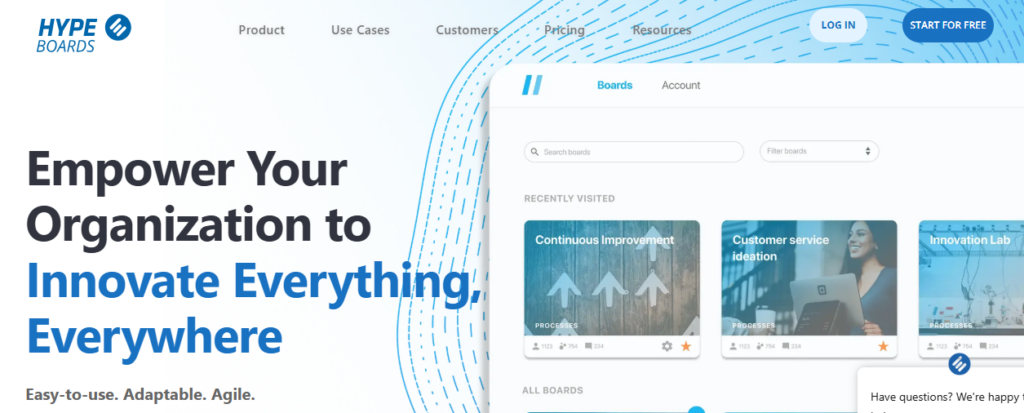
HYPE Boards is a board-based, visual approach to idea capture software that has real, documented results: RAY, a Finnish gaming organisation, saw a 271% increase in submitted ideas and moved 63% of them into further development after adopting the platform.
Source: Hype Boards
Ease of Use
With its flexible, visual interface, HYPE Boards is easy to pick up without training. You can create different boards, each representing a specific challenge or use case.
The Simplicity of the Idea Capture Form
You can submit anonymously. Fields include title, description, category, tags, the problem it solves, business impact, and effort required.
It is important to note that if friction-free submission is your priority, HYPE Boards as an idea capture software is not the best fit for your team. It has a lot of fields and can create friction in idea collection.
Participation Options
Open to employees, customers, or any outside party you choose to involve in real-time collaboration.
Suitable Company Sizes
HYPE Boards fits companies of any size, from small teams to large enterprises, with the right plan.
Pricing
A Free plan exists for smaller teams, and every signup starts with an automatic 14-day Pro trial. Paid Basic $79/mo and Pro $499/mo scale from there, with custom Enterprise pricing for organisations over 1,000 users.
Patent Track or Execution Track
HYPE Boards remains best suited for the execution track. It doesn’t offer patent-related tracking or analytics.
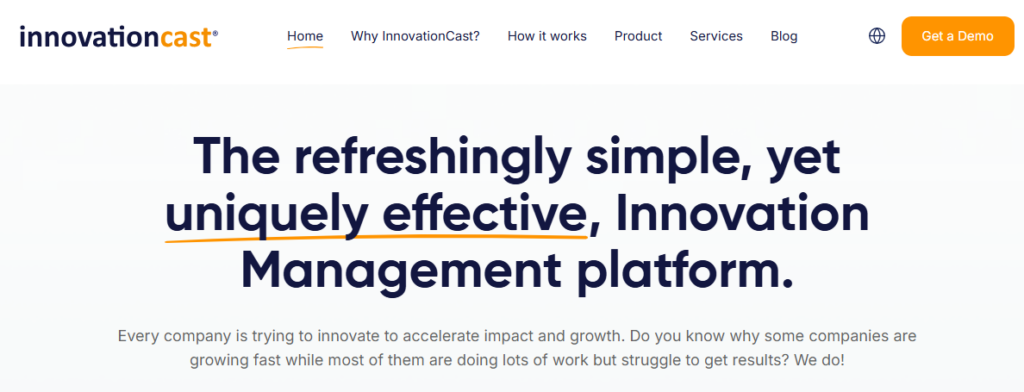
4. InnovationCast
InnovationCast is a collaborative innovation management tool that takes an idea from first submission all the way through evaluation, project planning, and implementation.
It’s a full lifecycle tool, but here we’re focused specifically on how it handles the capture moment itself.
Source: InnovationCast
Ease of Use
Every user gets a personalized activity feed showing new ideas and comments relevant to them, so capture doesn’t feel like submitting into a void. Feedback and reactions are visible right away.
The Simplicity of the Idea Capture Form
InnovationCast offers two ways to capture ideas:
- Challenges, time-bound calls for ideas on a specific topic with room for images, videos, and background context,
- Always-On submission for ideas that don’t fit a current challenge.
When peers vote “Good,” “Not So Good,” or “Undecided” on a new idea, they’re required to give a reason. So feedback starts immediately at the capture stage, not after a delay.
Participation Options
Open to employees and, depending on setup, external stakeholders. The platform supports 8 languages, useful if your idea capture pool spans multiple regions.
Suitable Company Sizes
Positioned mainly for mid-size to large enterprises, though InnovationCast also lists non-profits, public administrations, and small businesses among its customer types.
Pricing:
Their pricing page directs you to a sales conversation to get a quote. A free trial is available.
Patent Track or Execution Track
Execution track. InnovationCast is built around turning ideas into implemented projects, not patent filings, and offers no IP-specific tracking.
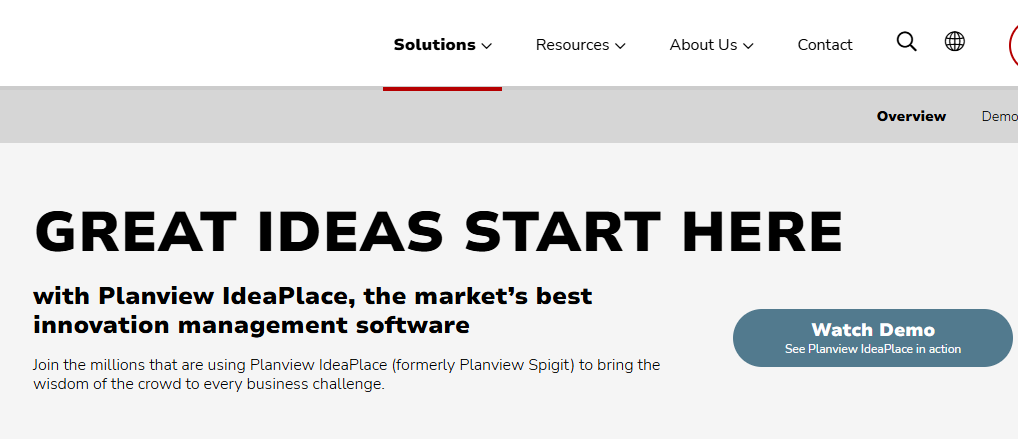
5. Planview IdeaPlace
Planview IdeaPlace is an enterprise idea and innovation management platform that handles capture, evaluation, and prioritisation of ideas.
It uses a branching ranking algorithm designed to rank ideas on merit, using prior user assessments to reduce bias in which ideas rise to the top during voting.
Source: Planview IdeaPlace
Ease of Use
Ideas can be captured through preconfigured or custom templates built for specific use cases, and mobile access lets people submit and vote on the go.
Reviewers on GetApp and Capterra say submitting and voting on ideas is easy for regular users. Reviewers also say the admin side, setup, reporting, and configuration take more time to learn.
The Simplicity of the Idea Capture Form
Capture happens in real time: users can post ideas, vote, and comment from anywhere, including on the go.
Participation Options
Open to employees, customers, and partners. The platform supports multiple languages, including Arabic, Chinese, English, French, German, Japanese, Portuguese, Russian, and Spanish.
Suitable Company Sizes
Built for large, enterprise-scale organizations across finance, healthcare, manufacturing, and similar industries, not small or mid-market teams.
Pricing
Custom pricing. Check their pricing page for details.
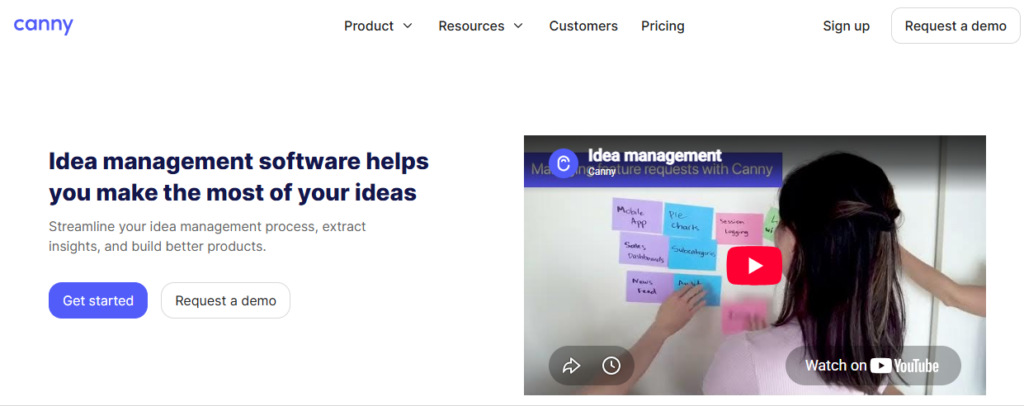
6. Canny
Canny is a feedback and feature-request platform, built specifically for capturing ideas from customers and product users, not internal employee ideation, the way most other tools on this list are.
Source: Canny
Ease of Use
Ideas are captured through public voting boards where users post feedback, vote on existing posts, or comment. There’s no separate submission form to fill out; the board interface is the idea capture mechanism.
The Simplicity of the Idea Capture Form
Capture happens two ways. Someone can post directly to a board manually. Or a feature called Autopilot detects feedback automatically. It captures ideas inside customer chats, sales calls, and reviews. No one has to enter it by hand. Autopilot also merges detected duplicates on its own.
Participation Options
Canny is built around external users, not internal employees. Customers give their input on a public or embedded board. Every person who posts, votes, or comments becomes a “tracked user.” That tracked-user count is also how billing works.
Suitable Company Sizes
The Free plan fits small teams or early-stage products. It’s capped at 25 tracked users and 5 managers. Pro fits growing teams that need integrations. It supports 100+ tracked users and 10 managers. You can use the Business plan for large-scale products with 5,000+ tracked users.
Pricing
Free covers 25 tracked users and 5 managers. Pro costs $948 a year, or $99 a month, for 100 tracked users and 10 managers. It includes integrations like Jira, Zapier, and Segment. Business is custom-priced for 5,000+ tracked users and adds SSO and CRM integrations. Pricing scales as more people vote or comment.
Patent Track or Execution Track
Execution track. Canny has no patent or IP-specific tracking. It isn’t built for internal invention disclosure at all. It’s a customer-feedback tool first.
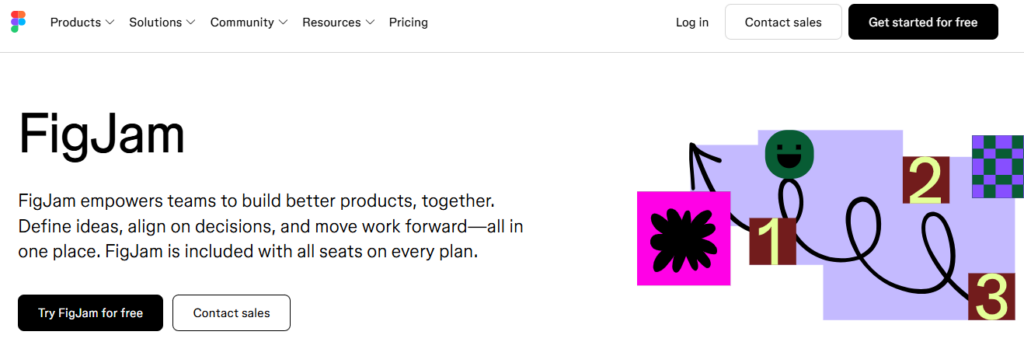
7. FigJam
FigJam is Figma’s collaborative whiteboard, built for brainstorming and early-stage ideation. Teams use sticky notes, voting, and templates to turn discussions into next steps.
Source: FigJam
Ease of Use
The canvas is open-ended, so teams add sticky notes, shapes, and comments in real time. Reviewers on Capterra and Software Advice describe the interface as intuitive, even for non-technical stakeholders.
The Simplicity of Idea Capture
There’s no formal submission form. Ideas are captured on the board as sticky notes, drawings, or comments during live sessions.
Templates for retros, journey maps, and OKRs help teams start capturing ideas without a blank canvas.
Participation Options
Boards support real-time, multiplayer collaboration among internal teams. External guests can be invited to contribute for a short window without creating an account.
Suitable Company Sizes
FigJam fits small design teams as well as large product organizations. It’s built into every Figma seat, so adoption often follows existing Figma usage rather than a separate rollout.
Pricing
A free plan covers up to three files. Figma Paid plans start at $15 per seat/month (Professional) and scale to $75 per seat/month (Enterprise).
8. BrightIdea
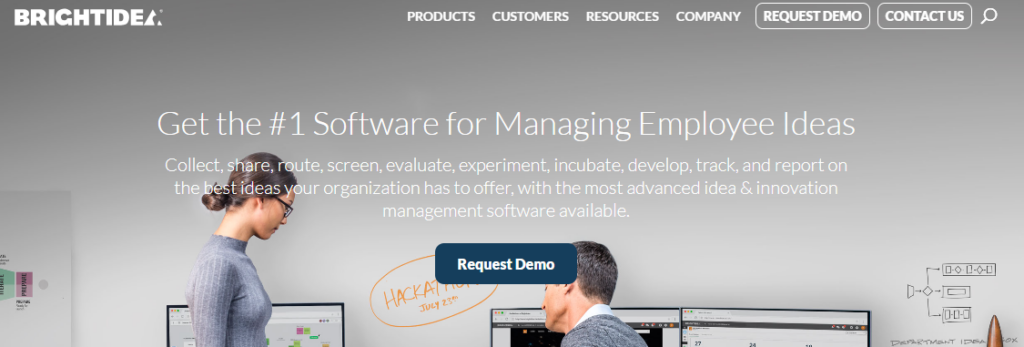
Brightidea is an enterprise innovation management platform covering the full idea lifecycle. It spans capture, evaluation, experimentation, and execution tracking across large organisations.
Source: Brightidea
Ease of Use
The platform offers configurable workflows, branding, and templates suited to enterprise admins. Reviewers on Capterra and GetApp note that basic setup is straightforward, though advanced configuration can take more time to learn.
The Simplicity of the Idea Capture Form
Idea Box, one of Brightidea’s core modules, lets employees submit ideas through configurable intake forms. Submissions are then routed into evaluation and pipeline-tracking workflows.
Participation Options
Brightidea is designed for large-scale, cross-functional crowdsourcing across divisions and geographies. Programs can include employees, partners, and external contributors depending on how the initiative is configured.
Suitable Company Sizes
Brightidea is built for enterprise-scale innovation programs. Customers include large organizations such as Amazon, Dell, and Nike running high-volume idea initiatives.
Pricing
Brightidea uses custom, quote-based pricing tied to user count and feature needs. However, based on Capterra, the starting price is $59/month
9. Notion
Notion is a flexible, all-in-one workspace combining notes, databases, and documents. For idea capture specifically, it’s used as a central place to jot, tag, and organize ideas alongside everything else a team already tracks.
Source: Notion
Ease of Use
Notion is easy to start with but has real depth to grow into. A blank page takes seconds to create; building structured databases with custom fields takes more effort and a learning curve, especially for non-technical users.
The Simplicity of the Idea Capture Form
There’s no dedicated “idea capture form” the way purpose-built tools have one. Instead, ideas get captured as pages or database entries, which you design yourself using custom properties (tags, status, owner, priority, or anything else you define). This is powerful but requires setup before it’s genuinely simple to use.
Participation Options
Team members and outside guests can both be added. Guest access is free on every plan, though guests can only see the specific pages they’re invited to, not your full workspace.
Suitable Company Sizes
Works for individuals up through large enterprises, with the free plan realistically suited to individuals and very small teams, given its collaboration limits.
Pricing
- Free for individuals, with unlimited pages, a 5MB file upload cap, 7-day version history, and up to 10 guests.
- Plus is $10/user/month (billed annually) and removes those collaboration limits.
- Business is $20/user/month (billed annually) and adds full Notion AI, SSO, and private team spaces. Enterprise is custom-priced.
Patent Track or Execution Track
Execution track, informally. Notion has no built-in patent tracking or IP-specific features, but its flexible databases can be configured to track an idea’s status manually if you build that structure yourself.
10. Google Keep
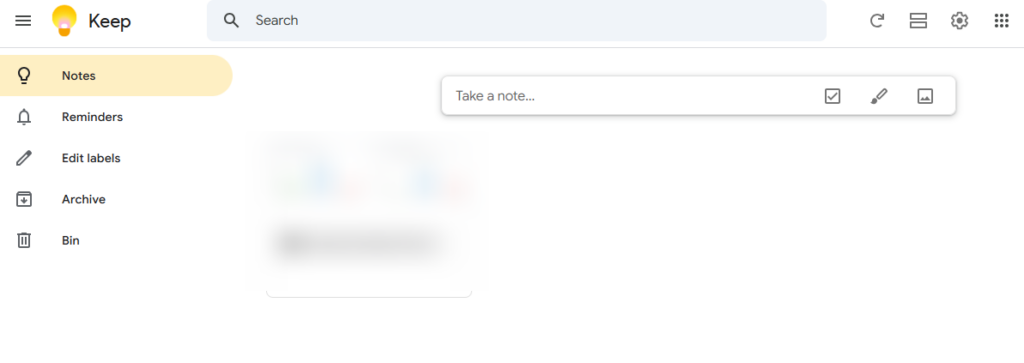
Google Keep is a free note-taking app from Google, built for fast, no-friction capture rather than structured idea management. It supports four note types: text, checklist, image, and voice, with voice notes transcribed automatically.
Source: Google Keep
Ease of Use
Sign in with a Google account and start typing; no setup required. Notes sync instantly across devices, and the interface stays minimal by design.
The Simplicity of the Idea Capture Form
There’s no form at all, which is the point. Open a note, type or speak, done. Notes can be organized with color coding and labels (up to 50 per account), and the search bar filters by label, color, or note type.
Participation Options
Notes can be shared with any Google account holder. Every collaborator gets full edit access; Keep doesn’t support view-only sharing, so it’s not built for controlling who can change what. There’s also no edit history, so you can’t see who changed a shared note or when.
Suitable Company Sizes
Best suited for individuals, freelancers, and very small teams doing informal idea capture. It has no structure for managing ideas at organizational scale.
Pricing
Free, with no limit on the number of notes.
Patent Track or Execution Track
Neither. Keep has no evaluation, workflow, or lifecycle tracking features. You can use Google Keep only to capture your ideas.
Ten tools, ten different strengths. Before you pick one, identify your specific use case and check if the tool aligns with your requirements.
Final Thoughts: Choosing the Right Idea Capture Software for Your Enterprise
As you can see, there are a lot of great products out there for you to choose from. But the best software is one that matches the size and the specific needs of your enterprise.
When selecting a tool, consider exploring the various differentiating features of the idea capture software to find the best fit for your organization.
For instance, the TIP Tool™ from Triangle IP is ideal if you are a medium-sized enterprise keen to systematize your patent process.
More specifically, it is best suited for enterprises that file 25-50 patents a year, as it provides actionable intelligence through patent analytics and patenting cost estimations. It is also quite promising when you want to capture enterprise-wide innovation.
You can either sign up for free or get a tailored demo by filling out the form below.
If you’re an individual or a very small team, Google Keep or Notion cost nothing and require zero setup. If you’re a product team collecting customer inputs specifically, Canny is purpose-built for that.
Whichever you choose, the goal is the same: catch the idea before it disappears. The right idea capture software is just the tool that makes sure you never have to remember it on your own.
Disclaimer: The information in this article/review is sourced from the internet and may not be entirely accurate or up-to-date. We recommend visiting the respective software websites for the most current and reliable information. The opinions expressed here are those of the author and may not reflect the views of Triangle IP. We are not liable for any consequences that may arise from relying on the information provided in this article/review.
Frequently Asked Questions
1. What’s the Difference Between Idea Capture Software And Idea Management Software?
You can use idea capture software to get a raw idea written down before it’s lost. On the other hand, dea management software covers the full cycle, evaluation, scoring, and moving an idea toward implementation.
2. Is There Free Idea Capture Software Available?
Yes. Google Keep and Notion’s free tier work well for individuals. HYPE Boards and Canny both offer usable free plans for small teams. Free tiers get thin fast once you need structured evaluation or enterprise controls, though.
3. Can Idea Capture Software Integrate With Tools My Team Already Uses?
Most can. Slack and Microsoft Teams integrations are common across nearly every tool on this list. Some, like Canny, also integrate directly with Jira for handing captured feedback to the engineering team.
4. What Measurable Impact do Idea Capture Tools Actually Have on Patent Output or Innovation ROI in Real-world Enterprise Settings?
Idea capture tools like the TIP Tool™ help organizations convert more ideas into patents by centralizing submissions, improving collaboration, and reducing delays. With analytics for patentability and value scoring, teams can prioritize high-impact ideas and optimize IP budgets. Enterprises report faster decision cycles, better patent quality, and measurable innovation ROI through structured tracking.
Read more: Why We Built the TIP Tool.™
5. What are the Risks of Idea Duplication or Bias in Internal Idea Evaluation When Tools Automate Scoring or Ranking of Innovations?
If you automate, it can create duplicate ideas or biased rankings if tagging and scoring aren’t well-governed. Tools like the TIP Tool™ mitigate this with role-based access, merging preferences, and hard/soft tags for consistent categorisation. Combining automated scores with team reviews ensures balanced, transparent evaluation while preventing redundant efforts and one-dimensional decision-making.
6. Does Prioritizing Ease of Use Over Detailed Input Fields Risk Capturing Shallow Ideas That Lack Technical or Legal Depth for Patents?
Simplified forms encourage participation but can lead to vague disclosures. The TIP Tool™ balances this by allowing admins to customize fields adding depth when needed without overwhelming inventors. This flexibility helps capture complete, patent-ready ideas while maintaining a frictionless submission experience for diverse teams.
Read more: Customizing an Idea Form in the TIP Tool.™